A college student's guide to better digital security

by Rachel Sudbeck
July 24, 2026 - 7 min

Related Categories
Do you prefer a short flight or a long drive? Do you have an undiscovered love for esports? Do you look good with bangs and, if not, do you look good in hats?
College is the perfect time to learn and discover new things about yourself, in the classroom and beyond. It’s also the perfect time to learn how to keep all of that information safe.
Starting college means that you’re creating and responsible for more data than ever before. You’re spinning up new logins for your school accounts, booking your own travel, managing your legal documents, making your own appointments, and maybe even opening your first bank account.
Every one of these interactions presents you with a choice: are you going to set up a secure and organized system for managing your logins and data? Or…are you going to keep re-using the same password you’ve had since middle school? In the moment, it can seem like you’re choosing between “secure but a hassle” and “risky but convenient.” But that’s a false choice, because good security habits actually make your life easier in the long run. (And let’s face it, you’ve probably already wasted enough time trying to remember if your old standby password currently ends in a “1” or an exclamation point.)
One more question: what’s the best tool to help you get started on your security journey? For once, the answer is simple: it’s a password manager.
How password managers help college students stay secure
Online security depends on using strong, unique passwords for every account. That way, just because your roommate shares your Netflix password with all of their friends, it doesn’t mean that your student aid login is at risk as well.
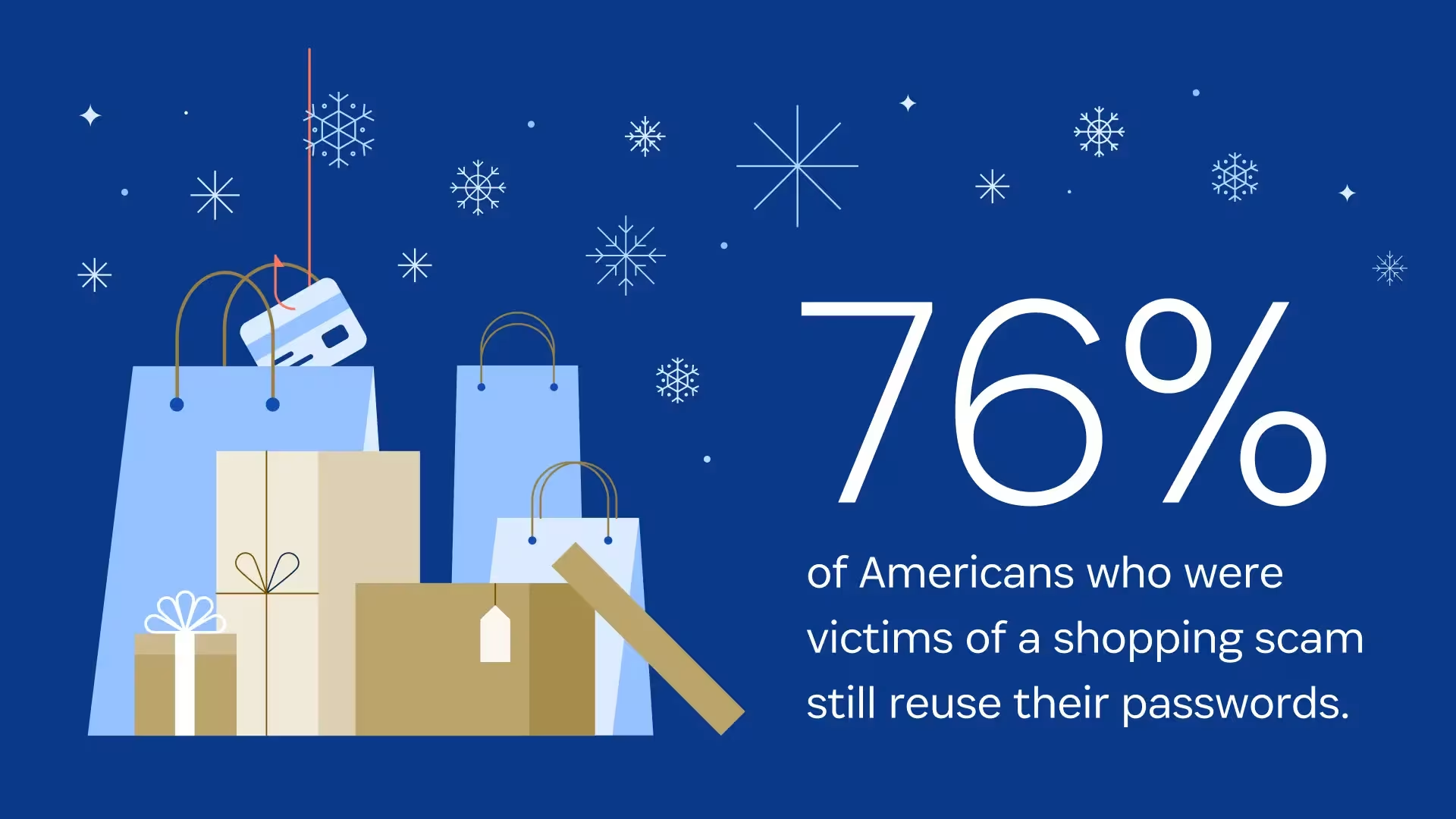
Despite this, people still recycle old passwords, even after they’ve been the victim of an attack. 1Password’s research has found that a whopping 76% of people who have been phished still reuse passwords across their accounts. Meanwhile, another recent survey found that 48% of Gen Z admit to using the names of family members or pets when making passwords.
The reason for this is simple: no one could possibly remember a unique password for every single account they’re responsible for.
The good news is that with a password manager like 1Password, you only have to remember one password: the one that unlocks your account. After that, 1Password creates, remembers, and autofills all of your other passwords for you.
The digital fanny pack
Password managers can help you stay organized in the face of a busy campus life. Within 1Password, you can organize your data into separate, encrypted containers called Vaults. Think of these like labeled folders for different parts of your life. For instance, you can make one vault for school logins and one for personal logins, so everything stays organized where you need it.
Password managers like 1Password also allow you to store and secure more than passwords alone. They’re kind of like a “digital fanny pack” that always has what you need inside. 1Password can hold documents, financial information, and even location-based information like a door code or a locker combination.
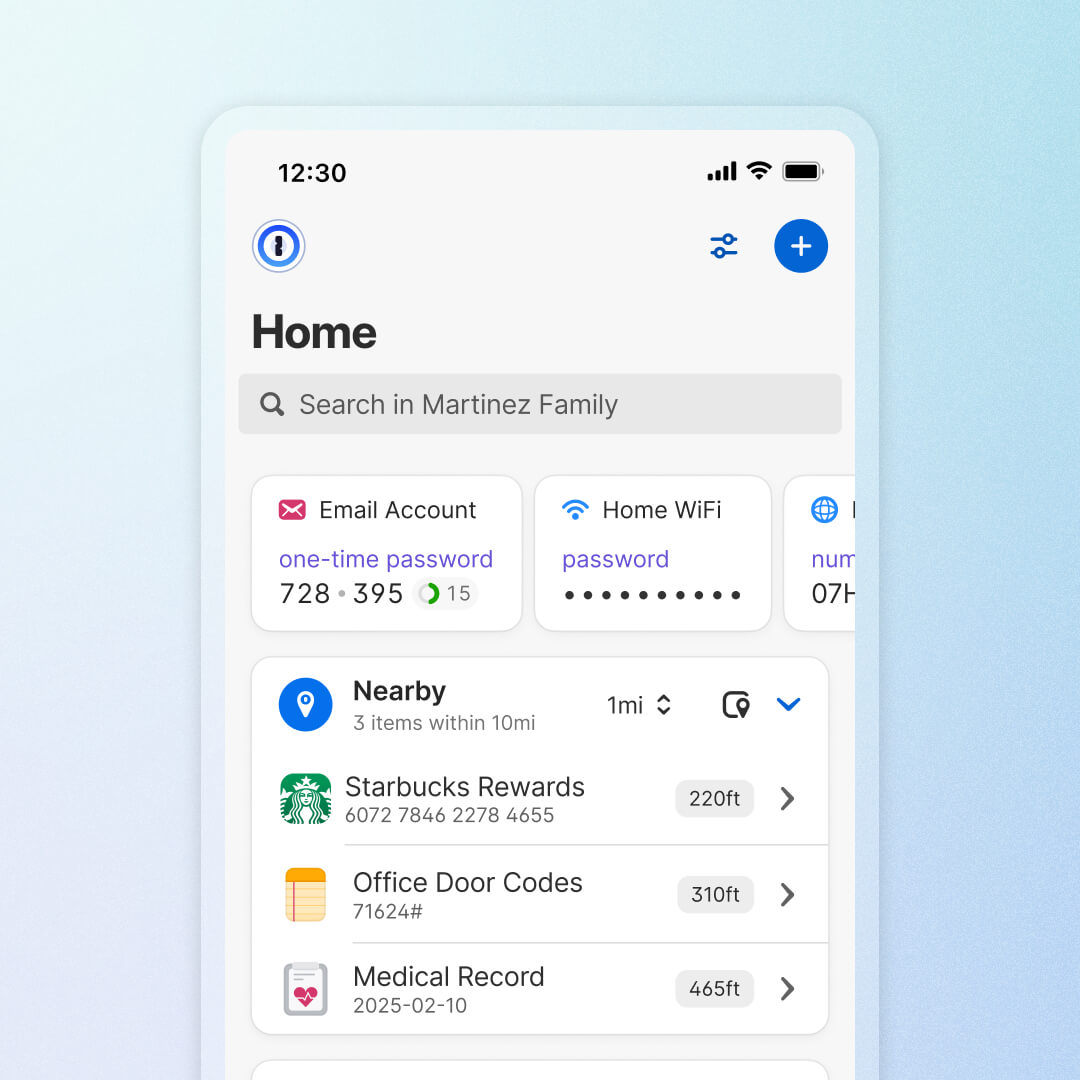
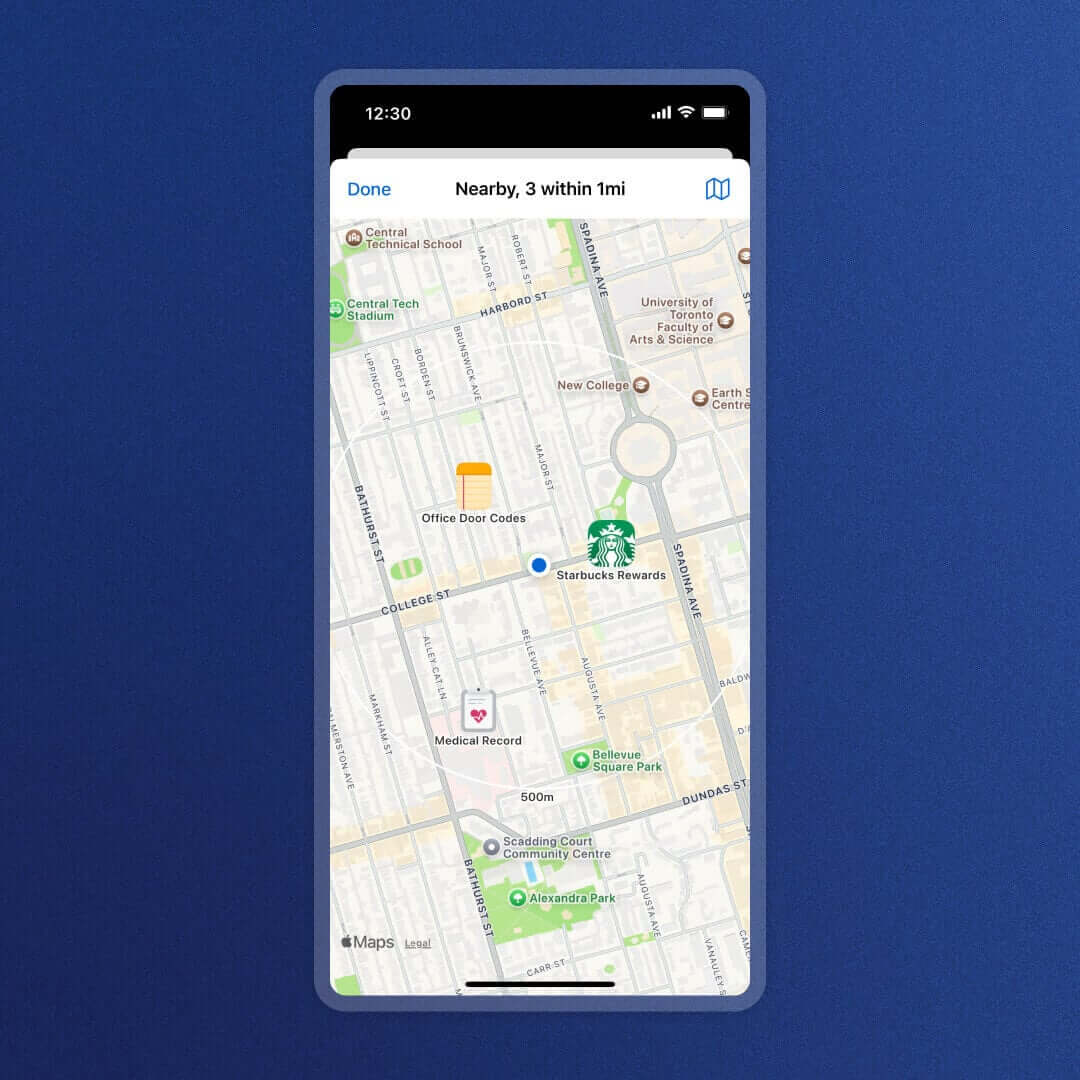
Also, are you studying software engineering, or just generally interested in coding or AI building? If so, you might work with developer secrets like API keys, .env files, and GitHub secrets. If developer secrets end up hardcoded or over-provisioned and shared more broadly than intended, like with coding agents, they become a real security risk. 1Password is built with tools, like our Claude integration, that ensure you’re not accidentally exposing credentials in your code or giving AI tools more access than they should have. These capabilities are built in and available with your subscription.
And of course, you can also store your credit card information in 1Password. When you make a purchase online, it autofills payment data for streamlined and secure shopping. You stay organized, your information stays safe, and you save time and energy every time you log in or check out.
Sharing (securely) is caring
It’s too familiar: you’re in the middle of an exciting college life -- studying abroad, training in Jiu-Jitsu, or learning to crochet -- when you get a text. It’s your sister, asking for the Netflix password for the 20th time that day.
When you need to share any of your logins, documents, or credit card information, 1Password lets you do so securely. Instead of sharing anything directly, you can instead provide a secure link that allows someone to access that resource for a set time period. After that period has passed, they can’t open that document or use that login anymore.
Not only is this process more secure, it’s simpler. Rather than copy-pasting a username and password or uploading a PDF, you can simply share a link with anyone who needs it, whether that’s your roommate, advisor, or the other members of your group project. It’s a simple and streamlined process that lets you get back to living your best life as quickly as possible.
Why 1Password
Using any password manager at all marks a step toward better security, whether that’s a premium option like 1Password, or the free password manager included with your internet browser or phone.
But it’s worth mentioning that not all password managers are the same, and there are real advantages to using a premium tool that was built from day one with the intention of securing passwords, instead of a password management feature developed by a giant company whose primary business is making computers, phones, or internet browsers.
Security that works how you do
Unlike free password managers like the ones from Apple or Google, 1Password works across all major browsers and devices. Passwords, cards, or documents that you save on your computer sync to your phone, and vice versa, regardless of the operating system.
For example, you can work from an Apple laptop and transition to the Windows desktops in your school’s computer lab without missing a beat. Meanwhile, the 1Password browser extension works in any browser you use, so you can rely on it to seamlessly autofill logins without any headache.
Security that works where you do
If you’re a student who travels (you may have even traveled across the world to reach campus today) then 1Password’s Travel Mode is a unique and essential feature. It enables you to temporarily remove sensitive vaults from your devices and 1Password browser extensions.
If an officer or customs agent asks you to unlock your phone, they will only see the vaults you’ve marked as safe to travel. When you turn off Travel Mode, the removed vaults will automatically reappear in the 1Password app the next time you connect to the internet.
Security that works as hard as you do
1Password’s security model is built on strong end-to-end encryption that ensures that nobody can access your data, even when it’s in transit.
That includes 1Password employees. Zero-knowledge encryption means that your data is never exposed to 1Password's servers, and no one at 1Password can read or decrypt your information. Even if 1Password itself were to be hacked, your data couldn’t be accessed by the bad actors. You are always in control of who can see your data, and when.
1Password: Security that grows with you
College is the point where you establish the accounts and the habits that you'll carry with you through adulthood. The right security tools won’t make those habits feel like a chore; they’ll feel empowering, helping you stay in control as you navigate your classes, degrees, and journeys of self-discovery.
Basically… you've got bigger things to figure out. Let 1Password handle your online security
Ready to get started?
Head here to learn more about how 1Password can help you from orientation to graduation.