AI builders can now easily access 1Password secrets management and developer tools

by Sanjay Ramnath
May 18, 2026 - 5 min
Related Categories
AI coding tools have changed who builds software. The barrier to entry has dropped to the point where a designer, an analyst, or a first-time founder can turn an idea into a working app in an afternoon. That shift is real, and it's accelerating.
But every app needs to talk to something. Every API call, database connection, and automated workflow runs on secrets: API keys, tokens, SSH keys, service account credentials. And those secrets have to live somewhere.
For most people building with AI tools today, secrets end up in a .env file, a chat message, a script, or a note that will "definitely get cleaned up later." AI coding tools are good at helping you get something working fast, but they tend to suggest the fastest path to a functioning prototype, not the most secure one. The result is real credentials stored in plain text, scattered across machines and codebases, hard to track and easy for threat actors to find when a machine is compromised.
This is how credential sprawl starts. Not with a dramatic failure, but one unknowing shortcut at a time.
Developers rely on secrets management tools: Now AI builders need them too
Until recently, managing developer credentials was mostly a concern for engineering teams with the time and expertise to configure dedicated tooling. The people who generate secrets have historically been developers trained in secure coding.
Today, that's changed. Designers are prototyping internal dashboards. Operations teams are automating repetitive tasks. Data analysts are connecting pipelines to interactive graphics. Founders are shipping their first apps without engineering teams. None of them signed up to become cybersecurity experts, but they're now handling some of the most sensitive credentials and secrets in their organizations, often without a clear path to doing it safely.
The new wave of AI builders are frequently seeing directions from their vibe coding tool to either put plaintext credentials into a .env file on the computer desktop or store them in a secrets manager. The former is the most risky way to manage secrets, and the latter is the most secure. That is why every AI builder needs a secrets manager.
Secrets management tools are already in 1Password
1Password is where millions of people store their most sensitive information. What you may not know is that every 1Password subscription already includes a full set of developer security tools.
SSH Agent, the CLI, SDKs, environments, service accounts, and secret references are all part of 1Password. They let apps, scripts, and AI coding agents pull secrets from 1Password at runtime rather than hardcoding them into code or configuration files. Service accounts handle automation without requiring shared personal credentials. The CLI and SDKs mean good security can be part of the build process from the start, not something you retrofit when a prototype moves into production.
1Password's developer tools have been part of the product for years. But keeping secrets secure shouldn't require knowing which corner of the app to look in, whether you're a senior engineer, a data analyst, or someone who shipped their first app last month. Making these tools visible to everyone gives all builders the same starting point.
What's changing
Developer tools are now visible in the 1Password desktop app sidebar for all users, matching the experience already available in the browser extension.
We've also rebuilt our developer documentation. The new quick start guides are organized around what you're trying to do, not how the product is structured:
Developer quickstart: common setups, step by step
Admin quickstart: what's available and how to roll it out across your organization
Workflow guides for SSH and Git, developer secrets, deployments, AI access, and building integrations
Admins retain full control over how these features are used across their organization.
How you can use 1Password developer tools today
With 1Password developer tools, you can already:
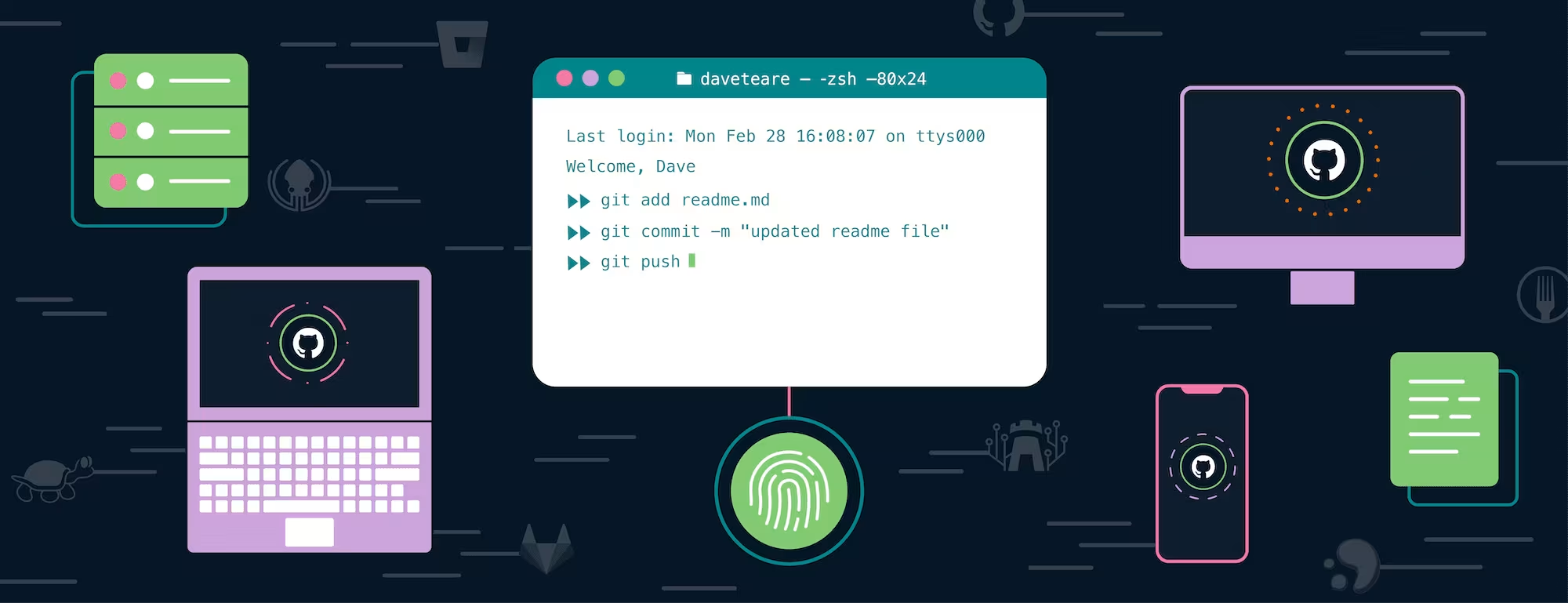
Store and use SSH keys without keeping them on disk
Keep secrets out of code and .env files using 1Password environments and secret references
Use the CLI and SDKs to access credentials at runtime, including from AI-assisted build workflows
Create service accounts for automation instead of sharing personal credentials
Connect secrets into CI/CD pipelines without exposing them
These tools are included in your existing subscription. There's nothing additional to buy or deploy.
The secure path should be the obvious, easy path
AI tools have made building faster than it's ever been. The cost of that speed, if we're not intentional about it, is secrets scattered across machines, codebases, and chat logs that nobody is tracking, and credentials that remain valid long after a prototype becomes a production system.
1Password was built on the idea that security works best when it's the easy choice, not an extra effort on top of the work you're already doing. Making developer tools visible is a small change in the interface with a clear purpose: make the secure path the obvious one, so more builders will take it.
If you want to see how this fits into your team's development workflows, watch our webinar on developer credential security. Or check out the quick start guides and see how it fits into what you're already building.