1Password for Claude: Give Claude access without giving up your credentials

by Mitchell Cohen and Horia Culea
July 16, 2026 - 5 min
AI agents are moving from helping people think to acting on their behalf in browsers, apps, and accounts. That changes the security model. Once an agent can click, buy, update, and submit for you, the key question becomes: what identity is it acting under, and what access should it get?
Claude can compare deals, add an item to your cart, update account details, or complete a purchase. But once it reaches a login page, you face a tradeoff. Do you give the agent your password, or stop and do the task yourself? Neither is the future we should build toward.
Until now, there hasn’t been a secure, easy way for agents to use credentials without exposing them.
1Password for Claude: Credential access without credential exposure
1Password for Claude is built on a zero-exposure architecture: Claude can complete browser tasks that require logins, one-time passcodes, or social logins, while the credentials never enter the model or its memory. 1Password stays the source of truth for the secret, and access is granted only at runtime.
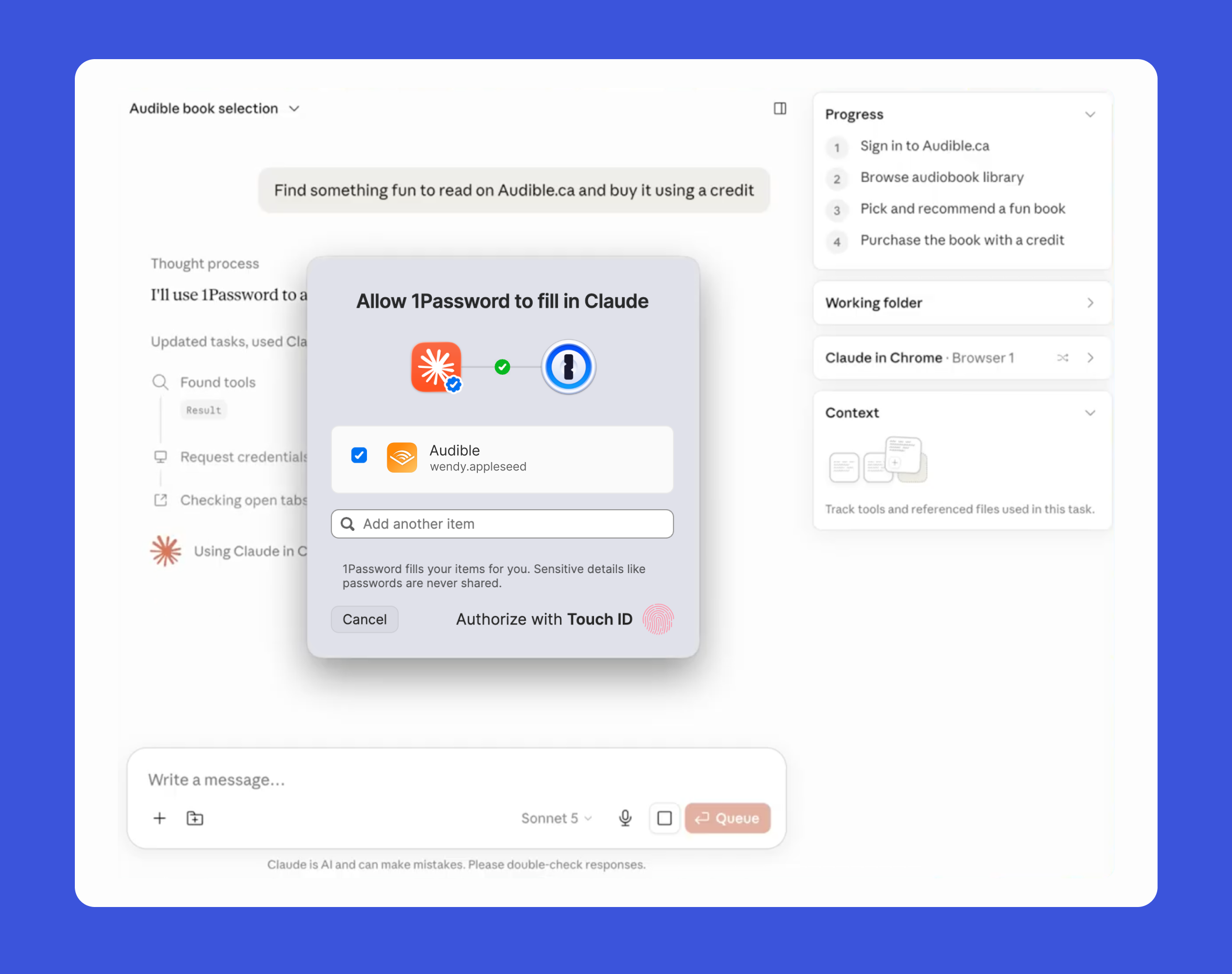
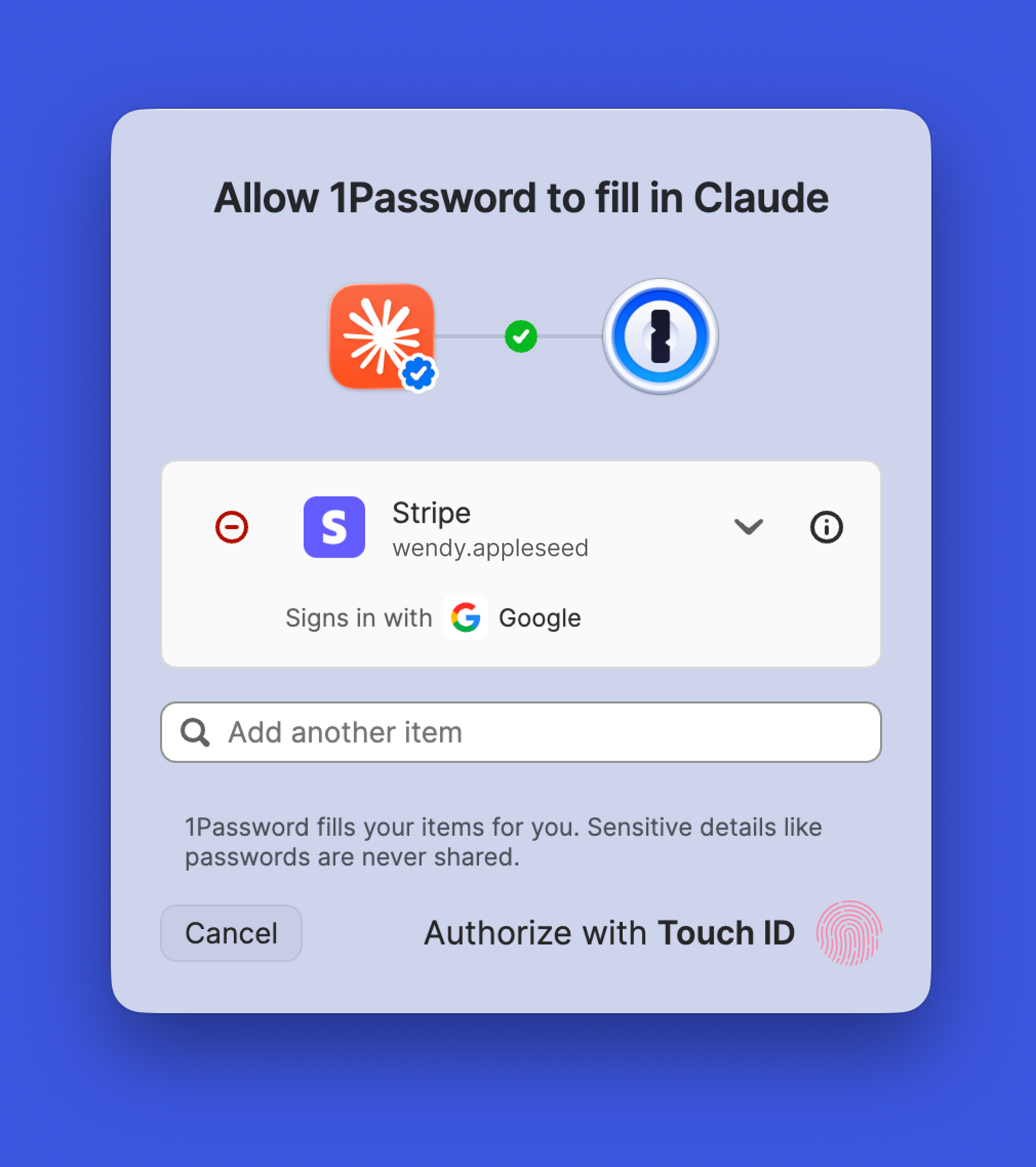
When Claude needs to sign in, 1Password shows the user which credential is being requested and why. After user-consented biometric approval, 1Password injects the credential directly into the page. Claude never sees the vault item, password, or one-time code. When a site uses a social login, 1Password completes the sign-in through the same protected workflow. The secret stays in 1Password, and Claude never sees it. Access is scoped to the current task and ends when the task is complete. After autofill, 1Password checks that secrets were not exposed on the page. If submission fails, it clears the filled values before returning control.
 "We need a new security model that is purpose-built for agents, not just humans,” said Nancy Wang, CTO of 1Password. “The answer isn't handing agents your secrets. It is to let a user give an agent permission to use a credential without letting the agent see it. Claude knows it used your login; it does not need the password or one-time code in its context. That distinction is where trust in agents starts and the foundation we're building with Anthropic."
What this looks like in practice
For everyday AI users
Your Audible credits are about to expire. Instead of logging in, navigating the store, and manually redeeming a credit, you ask Claude to review your wishlist and choose a new title. Claude navigates to the site, you provide approval for Claude to use the credential from your vault, 1Password provides the login, and the audiobook lands in your library. You never typed a password or TOTP, and Claude never sees either.
For AI-forward small business owners
A small business owner could ask Claude for a Stripe revenue summary or to flag any unusual activity. Claude can navigate the dashboard, the business owner approves Claude to use their Stripe login details, 1Password can handle the credential and one-time code, and the user gets the answer without going through MFA or exposing the secret.
These are just two examples. The same pattern works across the sites where Claude in Chrome can take action: if the login is in 1Password, Claude can use it. You approve, 1Password supplies the credential, and Claude finishes the job. Even when the task changes, the access model stays the same, and your credentials never leave 1Password.
Agentic Mode: Protecting the vault when an agent controls the browser
There’s a second problem: what happens when a browser-based agent takes control of a browser where 1Password is installed? Without proper guardrails, the agent could try to interact with the extension itself. Agentic Mode is how we close that gap.
Agentic Mode is a new feature in the 1Password browser extension that gives every user visibility and control over browser-based AI agents. When a compatible AI agent takes over, the 1Password extension automatically locks down. The interface is hidden, and the agent can only use the logins and one-time codes explicitly approved for the current task. The rest of the vault stays out of reach.
Agentic Mode works even if the integration is not set up and even if 1Password is not required for the current agentic task. It also supports additional agents beyond Claude. For qualifying enterprises, there is nothing new to configure. Employees using 1Password for work credentials automatically get the same protection: every credential request from an AI agent is visible, explicit, and requires authorization.
The trusted access layer for AI agents
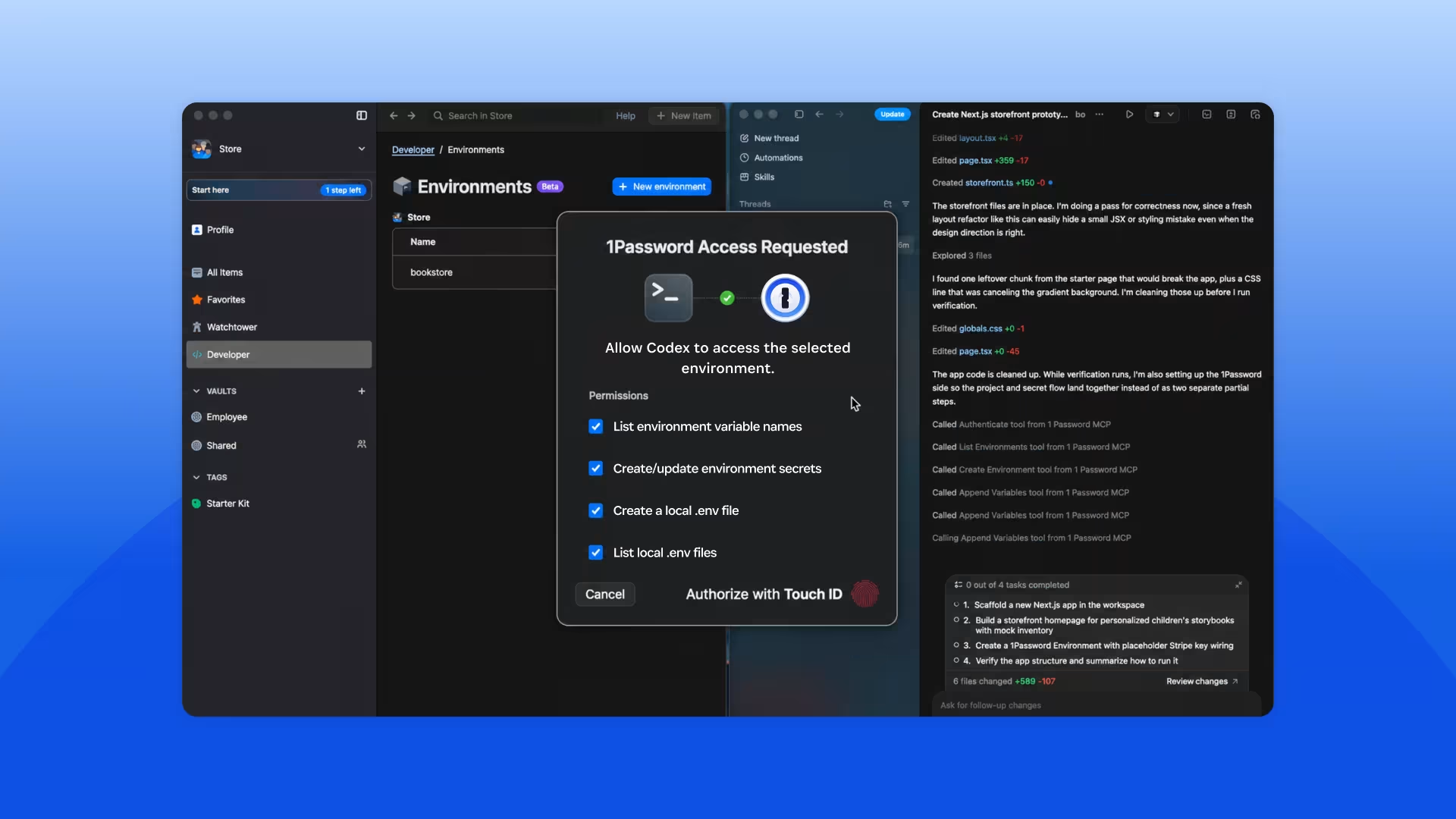
1Password for Claude is just one part of the access layer we’re building for AI agents across the ecosystem, including securing developer credentials with the 1Password MCP Server. Whether the agent is working in a browser, IDE, repo, terminal, or CI/CD workflow, the principle is the same: secrets should be issued at runtime, scoped to the task, and governed from 1Password.
As agents become more capable, they become a new class of identity. They need governed access just like humans and machines do. 1Password for Claude applies that model to browser-based delegation: Claude can act with explicit user authorization and only gets the access it needs, when it needs it. The credential stays encrypted, controlled, and out of the model context.
Ready to let Claude handle more, without handing over your secrets?
1Password for Claude is available now for Mac, across business, family, and individual plans. For detailed instructions on how to set it up, read our documentation. To enable this integration, you'll need:
Already a 1Password user?
You're a few steps away from letting Claude handle the tasks that used to slow you down.
Go to the 1Password Marketplace
New to 1Password?
Get started with 1Password and have the Claude integration ready from day one.