
Skip to Main Content

Inventory and workflows for IT asset management

Connect device data from your MDM, EDR, and IT Asset Management tools to get a single, unified view of each employee and their devices.

Extend offboarding to hardware

Use the same offboarding workflows that manage SaaS access and licenses to lock, wipe, and recover devices as part of every offboarding.
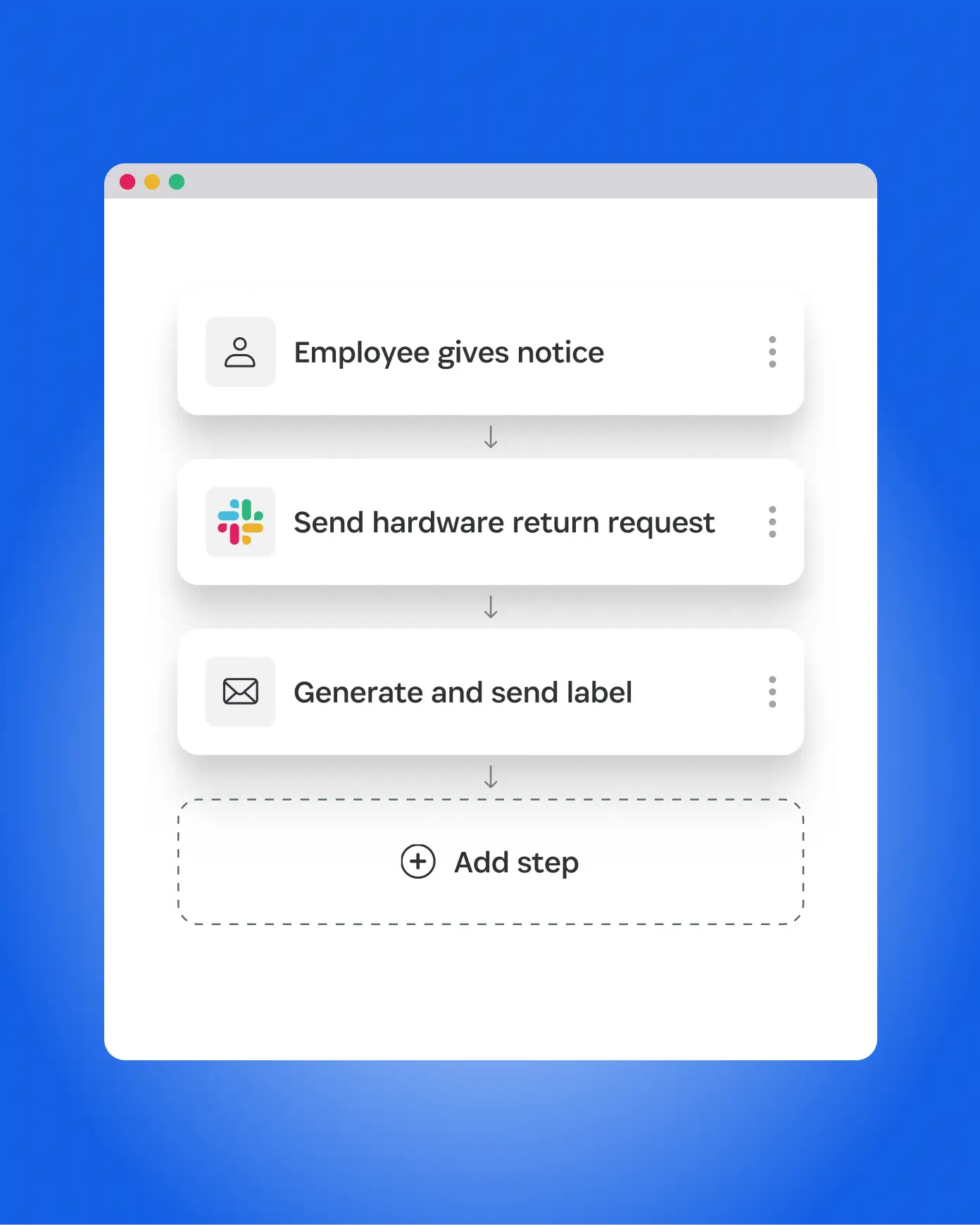
Automated offboarding workflow extending to hardware returns and device recovery.

How it works

Tie your IT assets to employees and automate secure offboarding workflows.

Unify users and devices

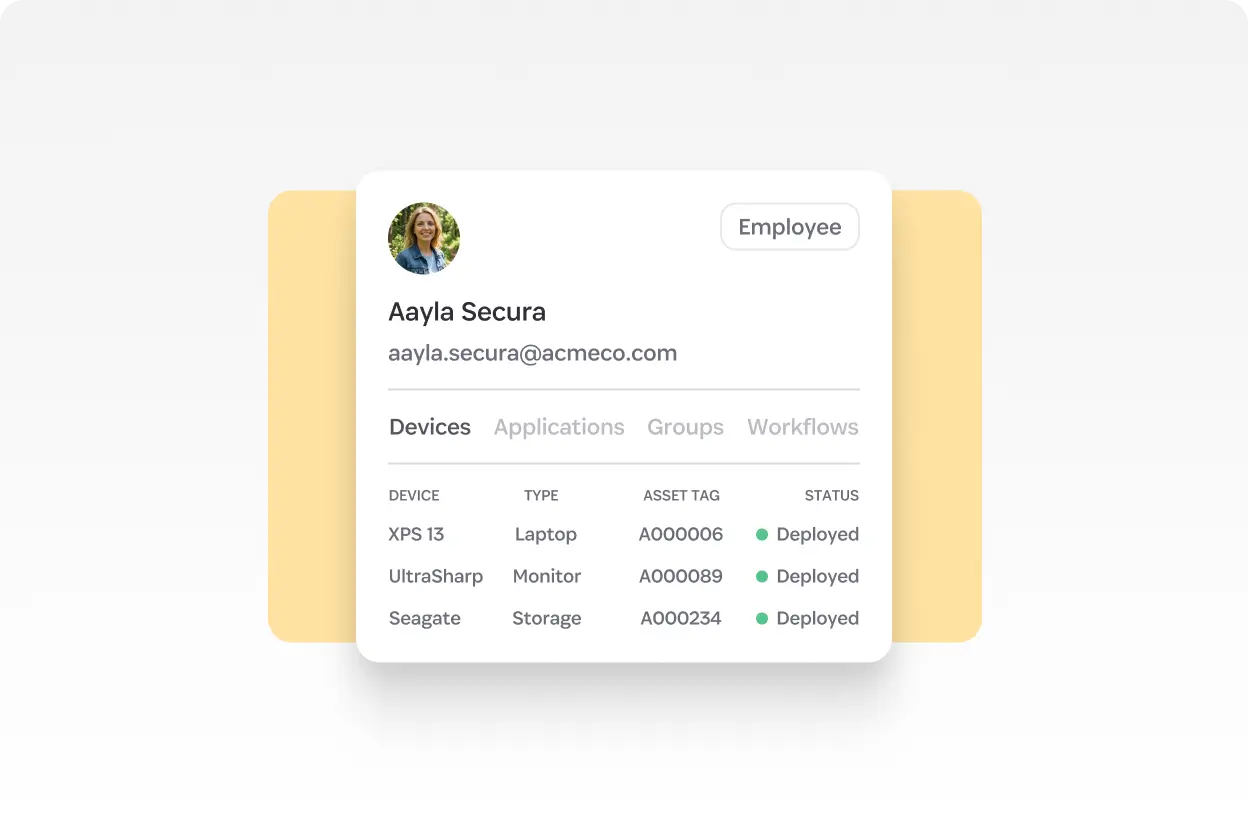
See each user’s apps, licenses, and assigned laptops, phones, and hardware keys in one place.

Employee profile view showing assigned laptops, monitors, and storage devices in SaaS Manager.

Automate device offboarding

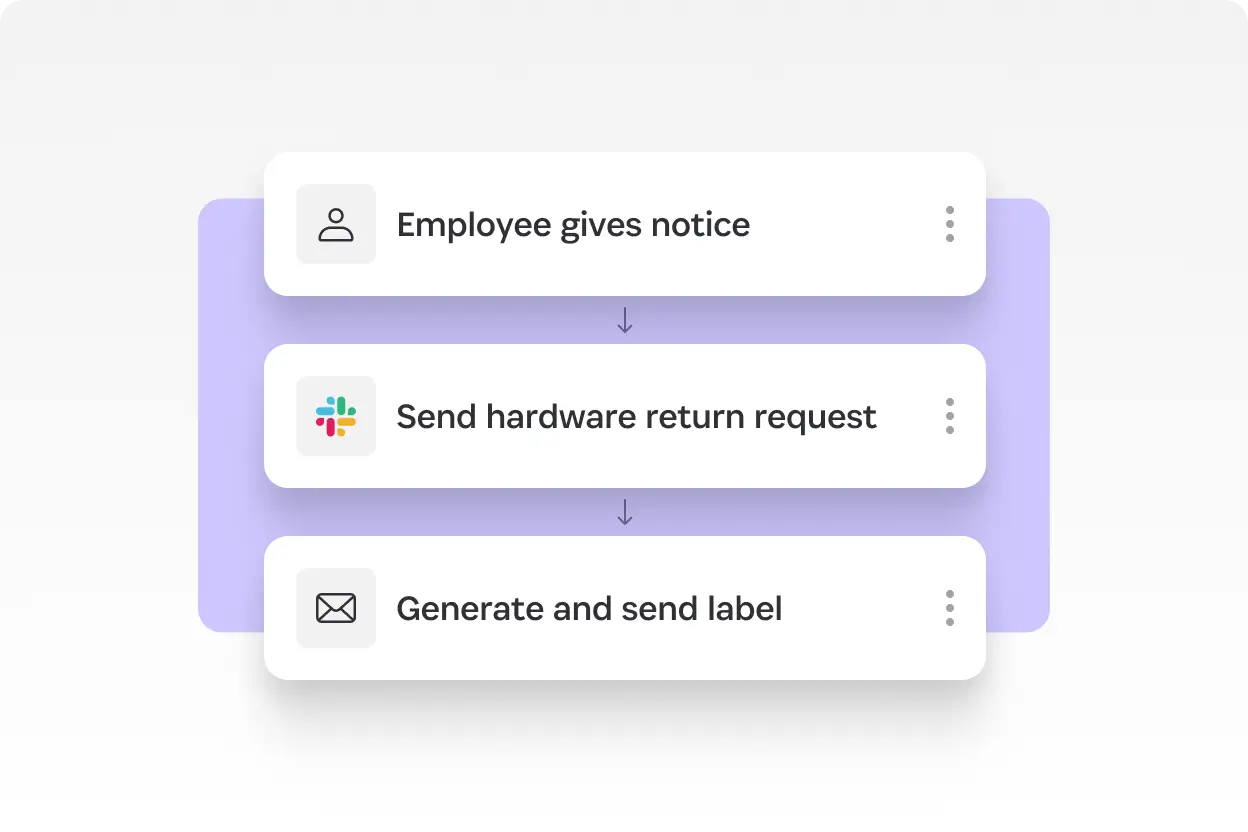
Lock or contain devices via your MDM/EDR, wipe company data where supported, and trigger hardware retrieval as part of offboarding workflows.

Automated device offboarding workflow triggered when an employee gives notice.

Track and recover IT assets

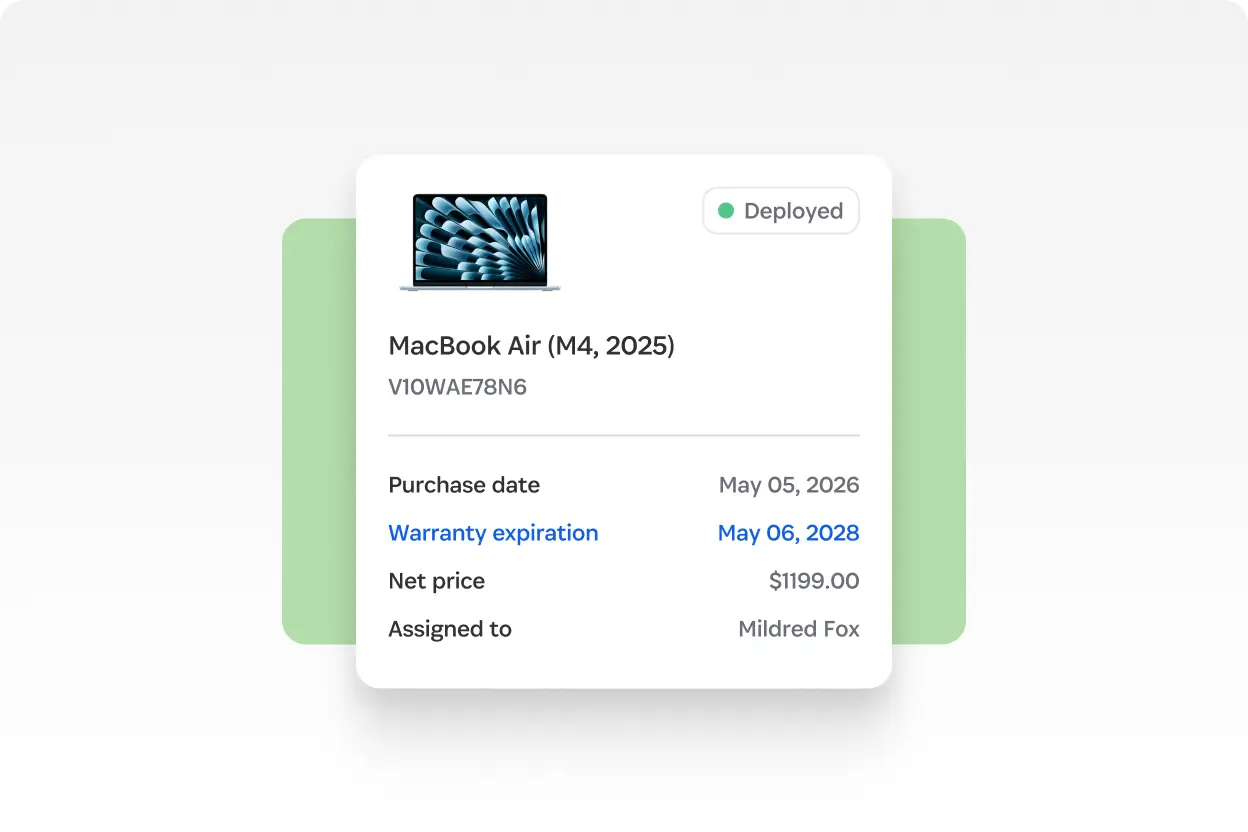
See which devices employees have, track refresh cycles, and view warranty details to meet SOC 2 requirements.

Asset record for a MacBook Air showing purchase date, warranty expiration, and assigned user

Integrate with your MDM, EDR, and ITAM tools
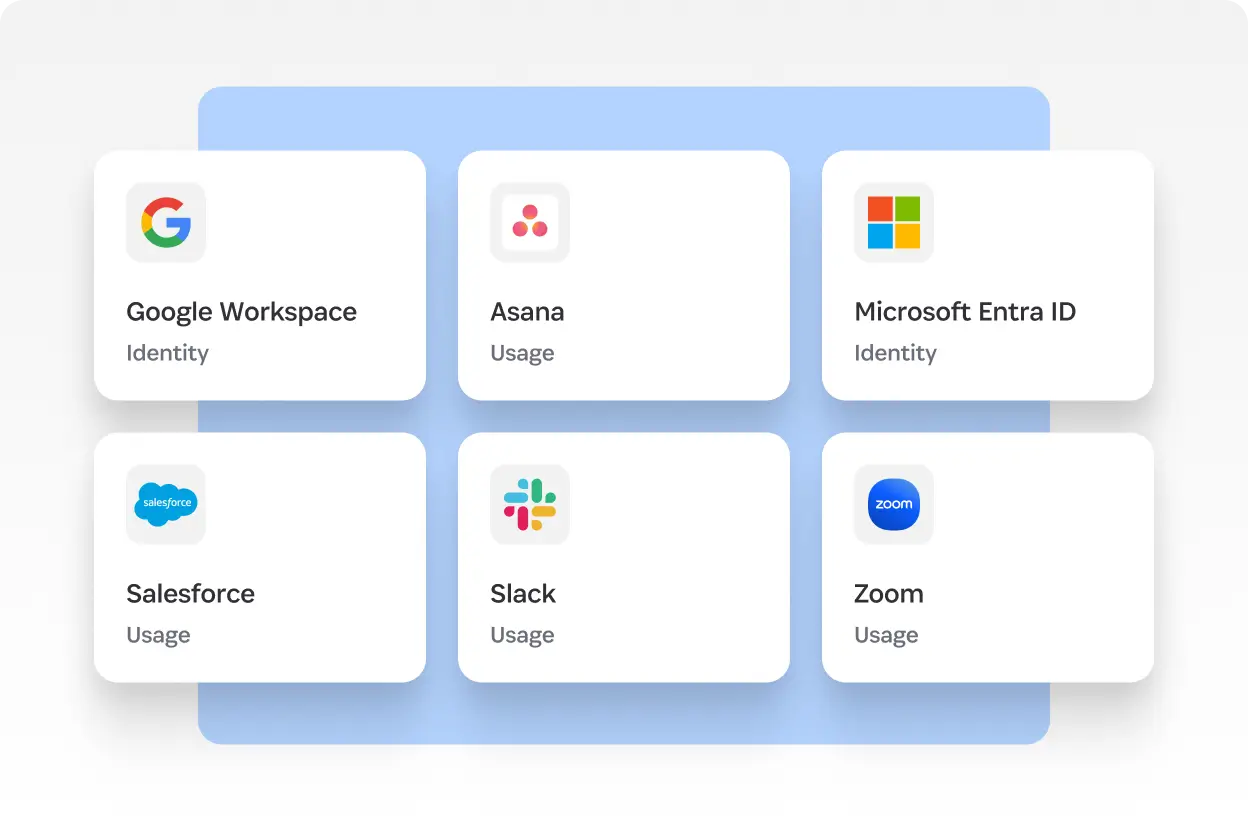
Connect to JAMF, Crowdstrike, Iru, Intune, Snipe-IT, Jira Service Management, Dell, Lenovo, Revivn, and more to tie each asset to the person using it.

Integrations grid showing SaaS Manager connections with Google Workspace, Asana, Microsoft Entra ID, Salesforce, Slack, and Zoom

Capture a complete audit trail

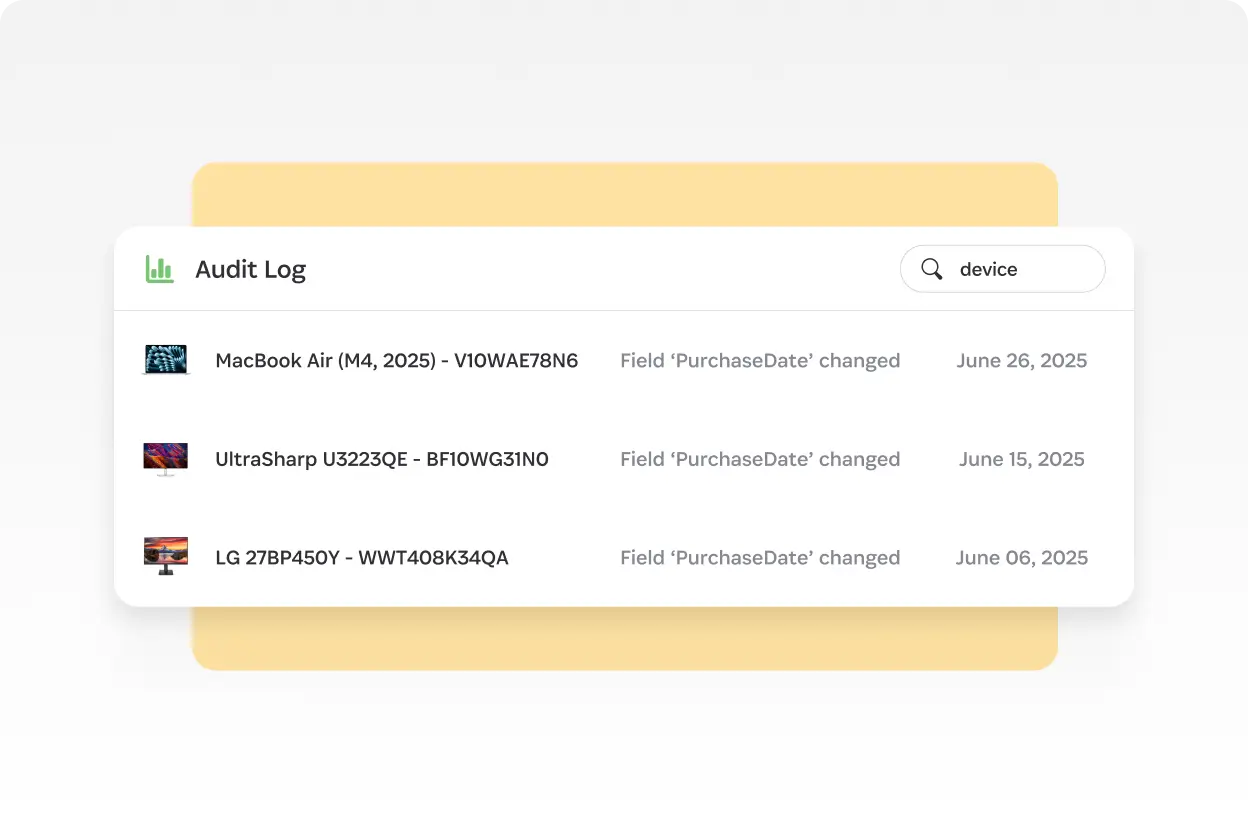
Devices sit alongside SaaS access, licenses, and spend inside SaaS Manager, enabling consistent governance across the entire user lifecycle.

IT asset audit log tracking device changes, purchase date updates, and inventory history

See SaaS Manager in action

Discover how SaaS Manager provides a complete, people-centric view of every employee, linking their SaaS access, license usage, and device inventory in one place.

We'll use this email to get back to you.

Enter your business phone number using digits only (no spaces, symbols, or dashes).

By submitting, I agree to the processing of my personal data as described in the Privacy Notice.

Frequently asked questions

How is SaaS Manager different from a standard IT Asset Management (ITAM) tool?

Traditional ITAM tools are built to manage hardware fleets: tracking inventory accuracy, depreciation, procurement details, stockroom movements, and the full financial lifecycle of assets. Their focus is asset-centric.

SaaS Manager takes a different approach. Instead of managing devices in isolation, SaaS Manager connects device data directly to the people who use them and embeds that context into SaaS access, onboarding, and offboarding workflows. SaaS Manager gives IT teams a complete view of each user—their identity, app access, usage, and device activity—making hardware a seamless part of employee lifecycle governance rather than a separate process.

Which MDM, EDR, and ITAM systems does SaaS Manager integrate with?

What actions can SaaS Manager perform?

Can SaaS Manager automate hardware returns during offboarding?

Does SaaS Manager help with SOC 2 or internal audit requirements?