
Protect credentials critical to your organization
The credentials your identity system has never seen, now discovered, reclaimed, and governed inside Enterprise Password Manager.
Secure unmanaged credentials before it’s too late

Retain control of important credentials
Ensure critical logins, such as root accounts, are managed by the company so authorized users retain access when employees change roles or leave.

Give teams access without exposing passwords
Authorized team members can autofill company-managed logins but cannot view, copy, or edit them.

Give auditors a clear access history
See who can access each credential today, with a recorded history of access changes.

Control business credentials IT never provisioned
How Credential Governance works
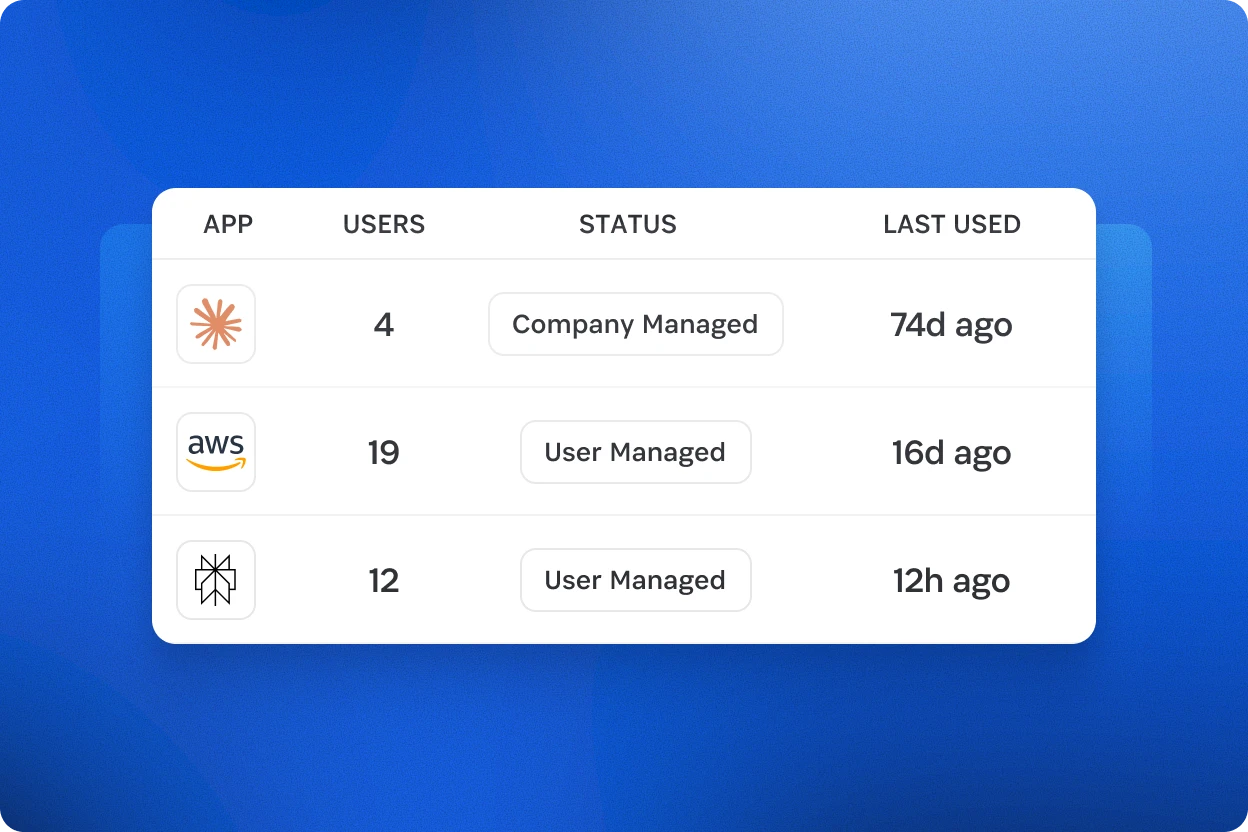
Discover
Find work logins currently outside company oversight
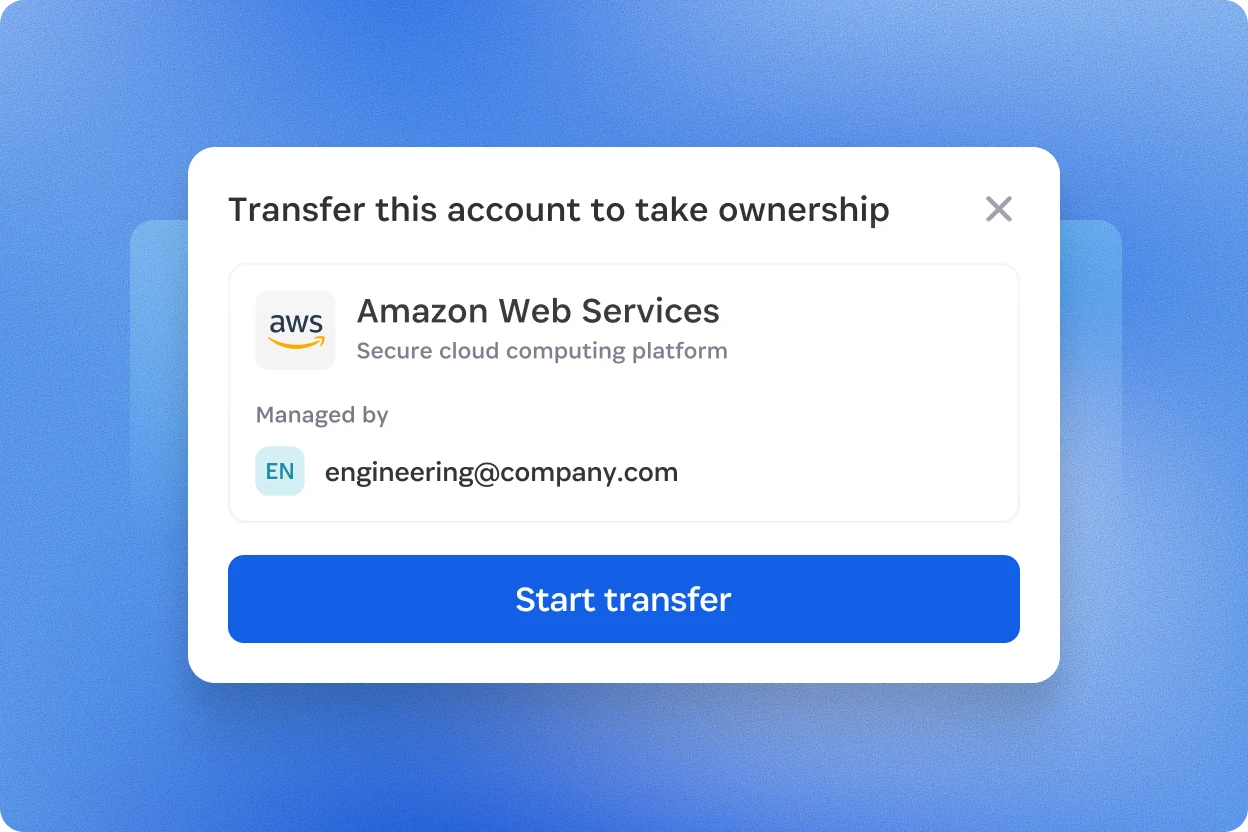
Reclaim
Make critical logins company-managed, assign granular access, and remove duplicate copies
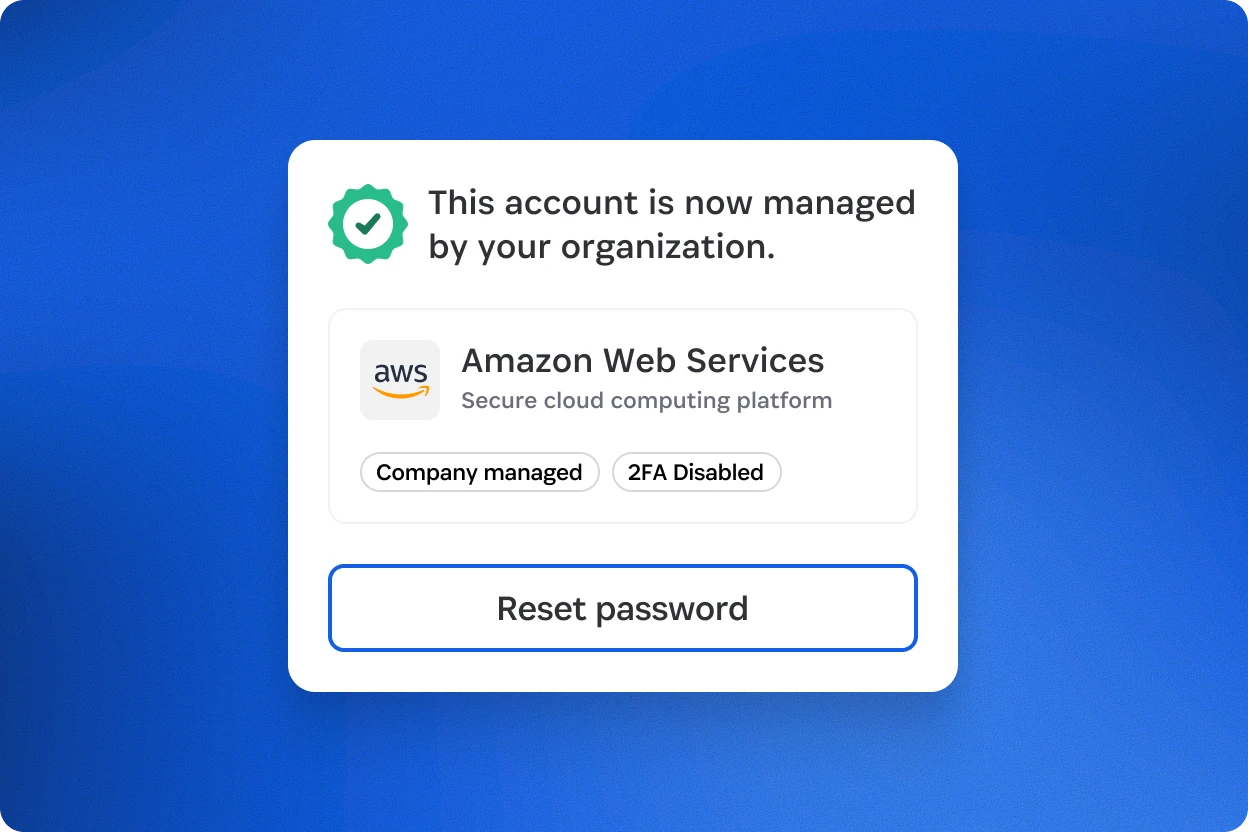
Govern
Rotate passwords, prevent non-admin edits, and audit access changes
200,000+ businesses trust 1Password

Ready to secure your team like the best in the business?
Request a demo to see how 1Password governs every credential your company runs on, across employees, developers, machines, and AI agents.
Credential Governance FAQs
Once a credential is managed, where can end-users see it? Can they access it on the mobile apps?
Once a credential is managed by an administrator, end-users who have access to that credential can only see and use it in b5x on either the web (desktop) or in safari (iOS). They cannot view or use the credential on OPH, OPA, or OPB.