1Password developer security
Find and remediate secret sprawl, keep credentials out of code, and govern access across local development, CI/CD, and automated workloads, without adding friction.




Secrets management across developer and agentic workflows
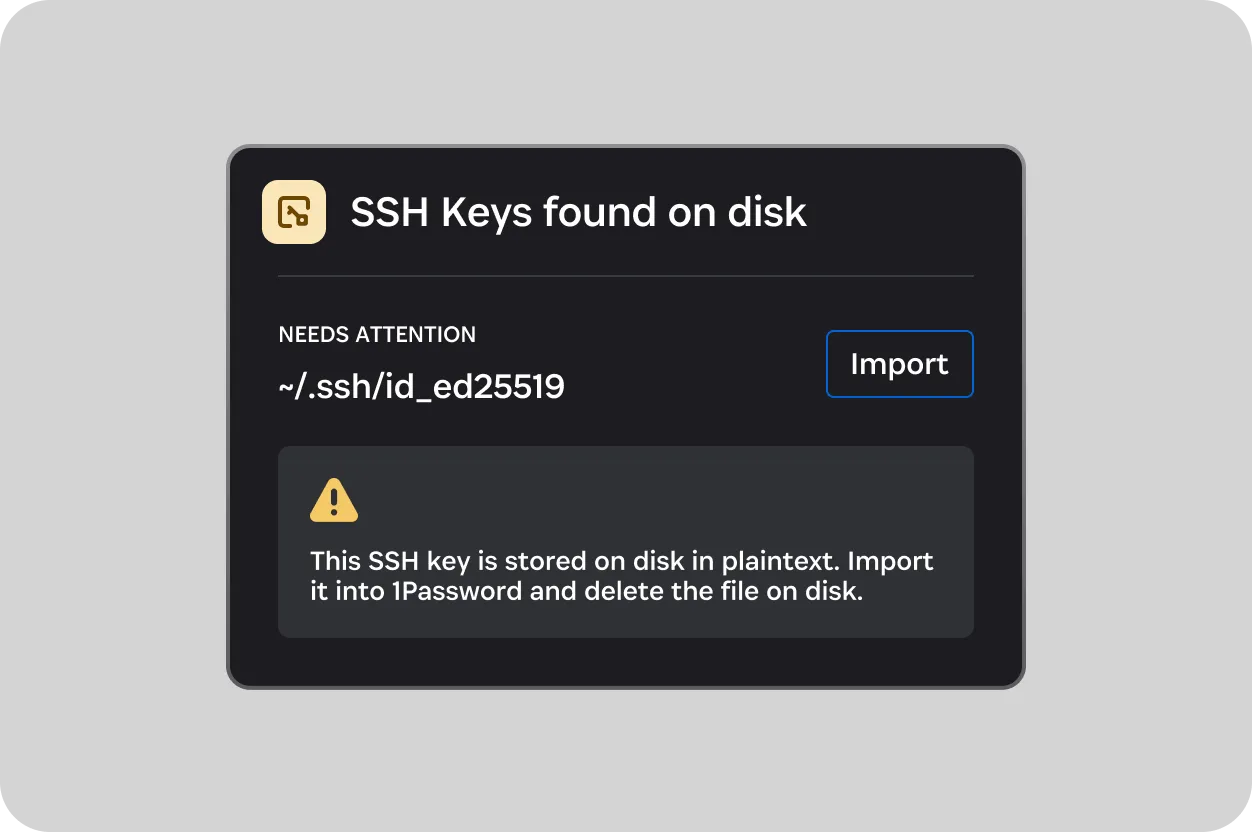
Discover secrets sprawl
Find unmanaged secrets across developer endpoints and in local environments. See where exposure is concentrated, identify owners, and guide remediation before exposed credentials create risk in CI/CD or production.
Secure every workflow
Keep secrets in 1Password and make them available across development and delivery. Give developers, pipelines, and AI agents the right access when they need it, without exposing credentials.
Govern and prove access
See credential activity across people and workloads, send evidence to your security tools, and connect every credential to an owner, policy, and audit trail.
Everything you need across the development lifecycle
Find and fix exposed secrets
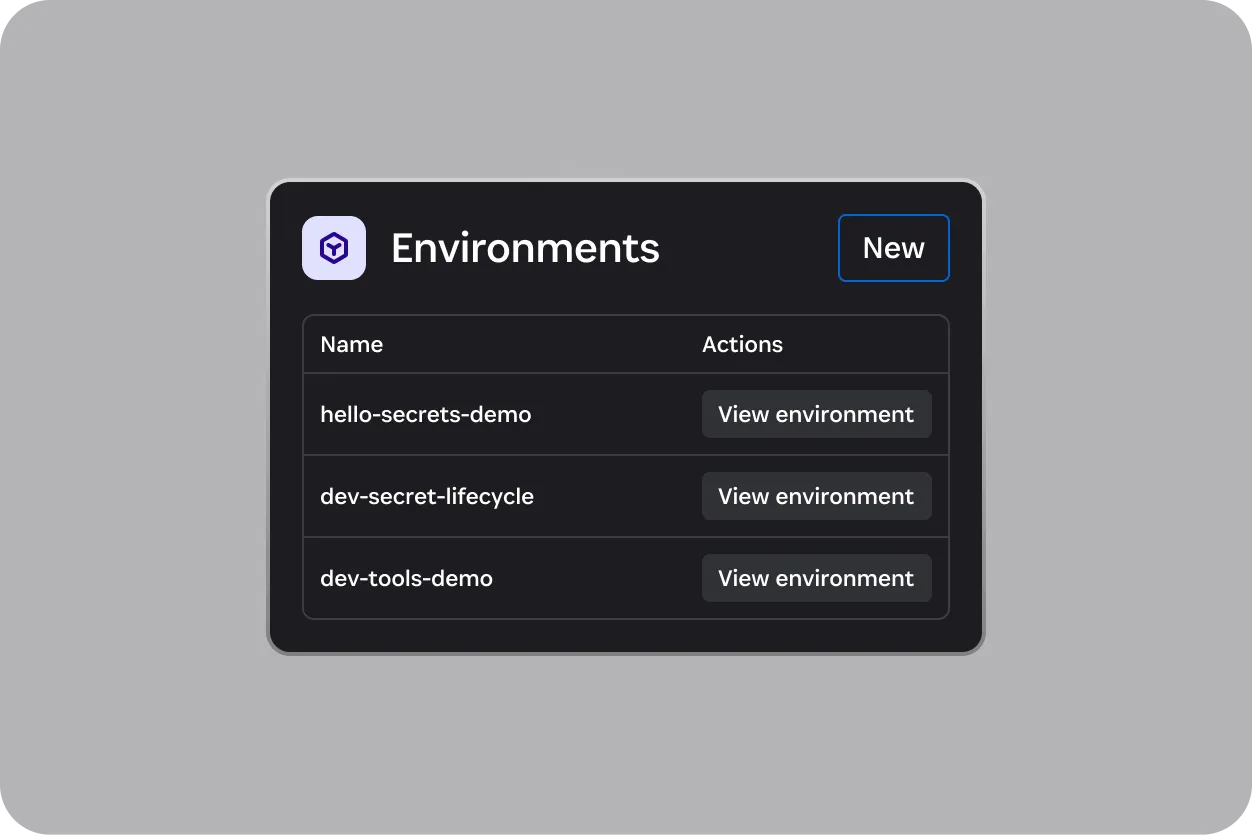
Keep secrets out of code
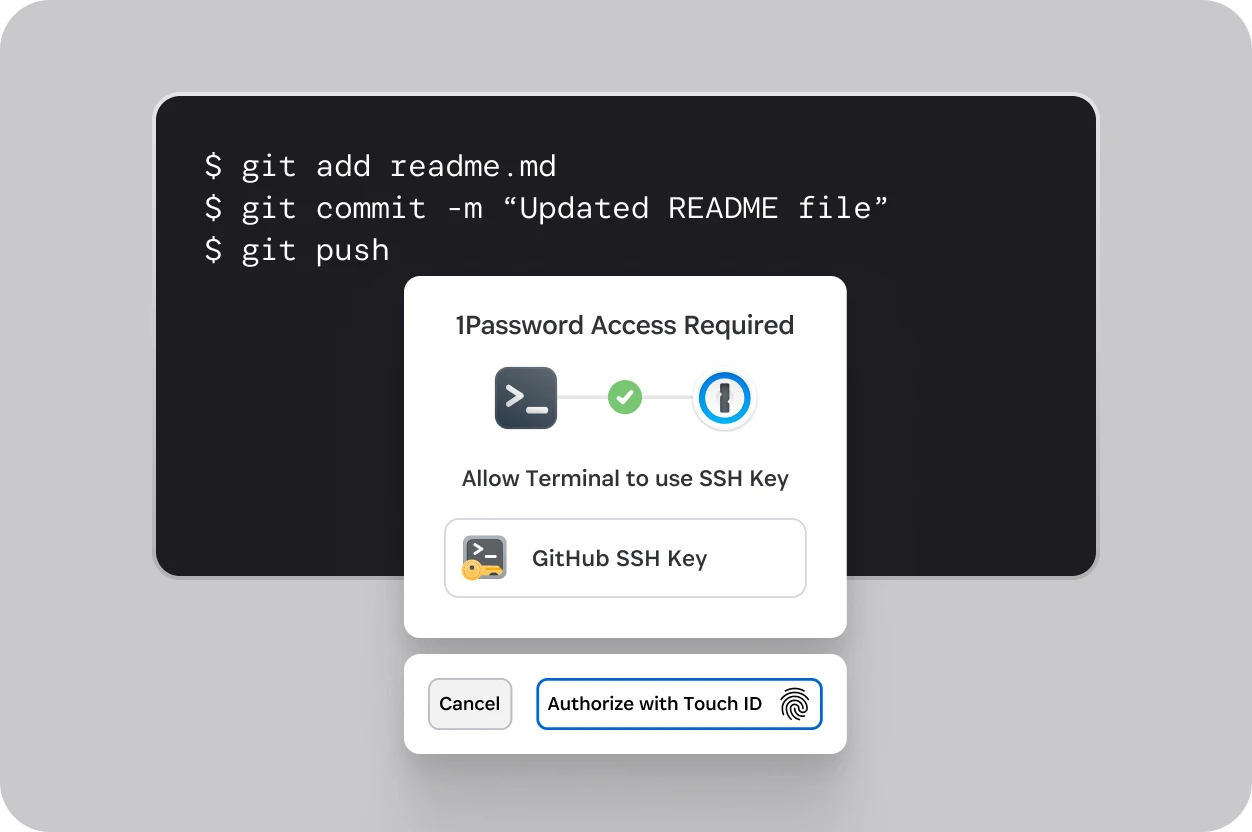
Keep developers moving securely
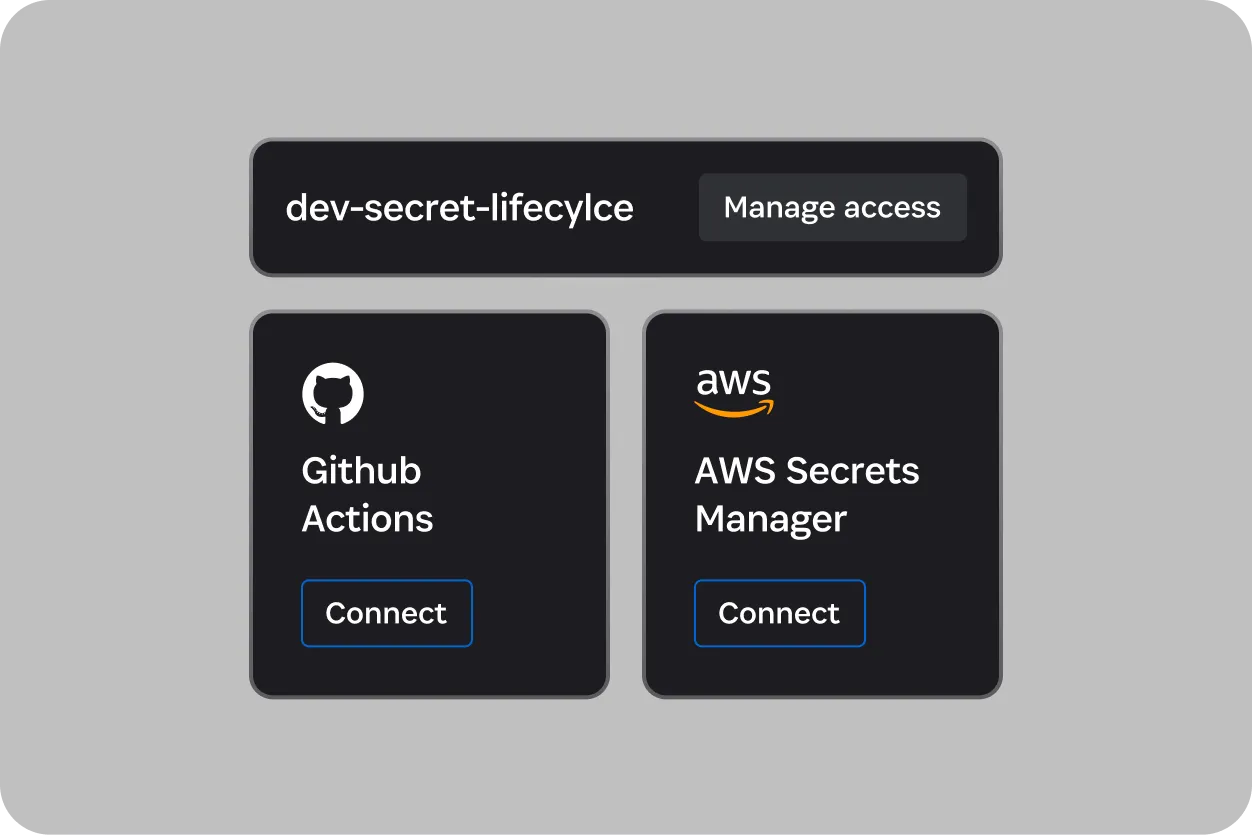
Give workloads the right access
Resources for getting started
Join the community
Get access to developer betas, provide feedback, and connect with the 1Password developer community.
Join the 1Password Developer SlackStudents get a free year of 1Password
Protect your online life at school and beyond. Claim a free 1-year 1Password subscription with the Github Student Developer Pack.
Get a free subscription
Security tools for AI builders and developers
All personal plans include developer tools for securing SSH keys, API tokens, and more.
FAQs
What do I need to start using 1Password Developer?
You will need to create a 1Password account. Then visit the 1Password Developer Portal for help getting started. From there you can access comprehensive documentation about the SSH agent, CLI, SDKs, APIs, and other tools to begin integrating 1Password into your applications.