New MSP capabilities for simpler client onboarding and stronger control

by Elgin McLaren
May 7, 2026 - 3 min
Related Categories
Introducing new features in 1Password Enterprise Password Manager – MSP Edition to reduce client onboarding effort and give MSPs greater control over policies, access, and usage.
Setting up and managing client environments often involves repetitive, manual work. Each new managed company requires policy setup, access configuration, and ongoing oversight. Repeating this across environments slows onboarding, introduces inconsistencies, and makes it harder to maintain control.
To address this, 1Password is introducing Policy Templates, Seat Limits, and Granular Vault Permissions in 1Password Enterprise Password Manager – MSP Edition to reduce repetitive setup, enforce consistent access controls, and give MSPs greater control over client license usage.
Apply consistent policies from the start
Setting up policies for each client’s environment individually is time-consuming and increases the risk of inconsistencies. Policy Templates for MSPs allows owners, administrators, and MSP administrators to define and enforce policies once, then apply these policies across all or selected managed companies. With Policy Templates, teams can:
Create reusable policy configurations for multiple clients
Enforce consistent baseline security and access policies
Centrally update templates and apply changes across environments
Control which policies clients can or cannot override
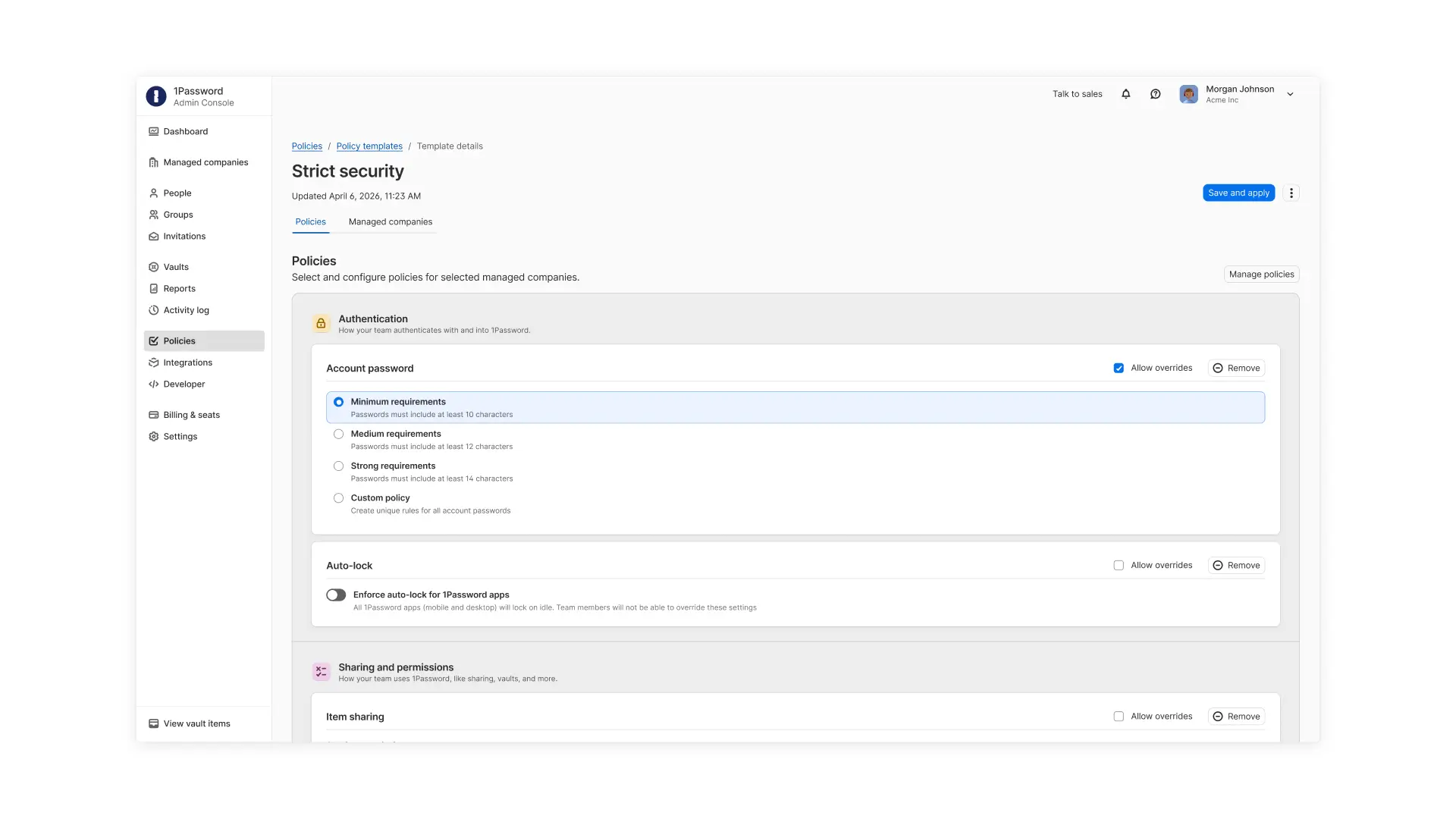
These templates reduce manual setup during client onboarding and ensure each managed company environment starts from a consistent security baseline while still allowing flexibility where needed.
Keep client usage predictable and aligned with contracts
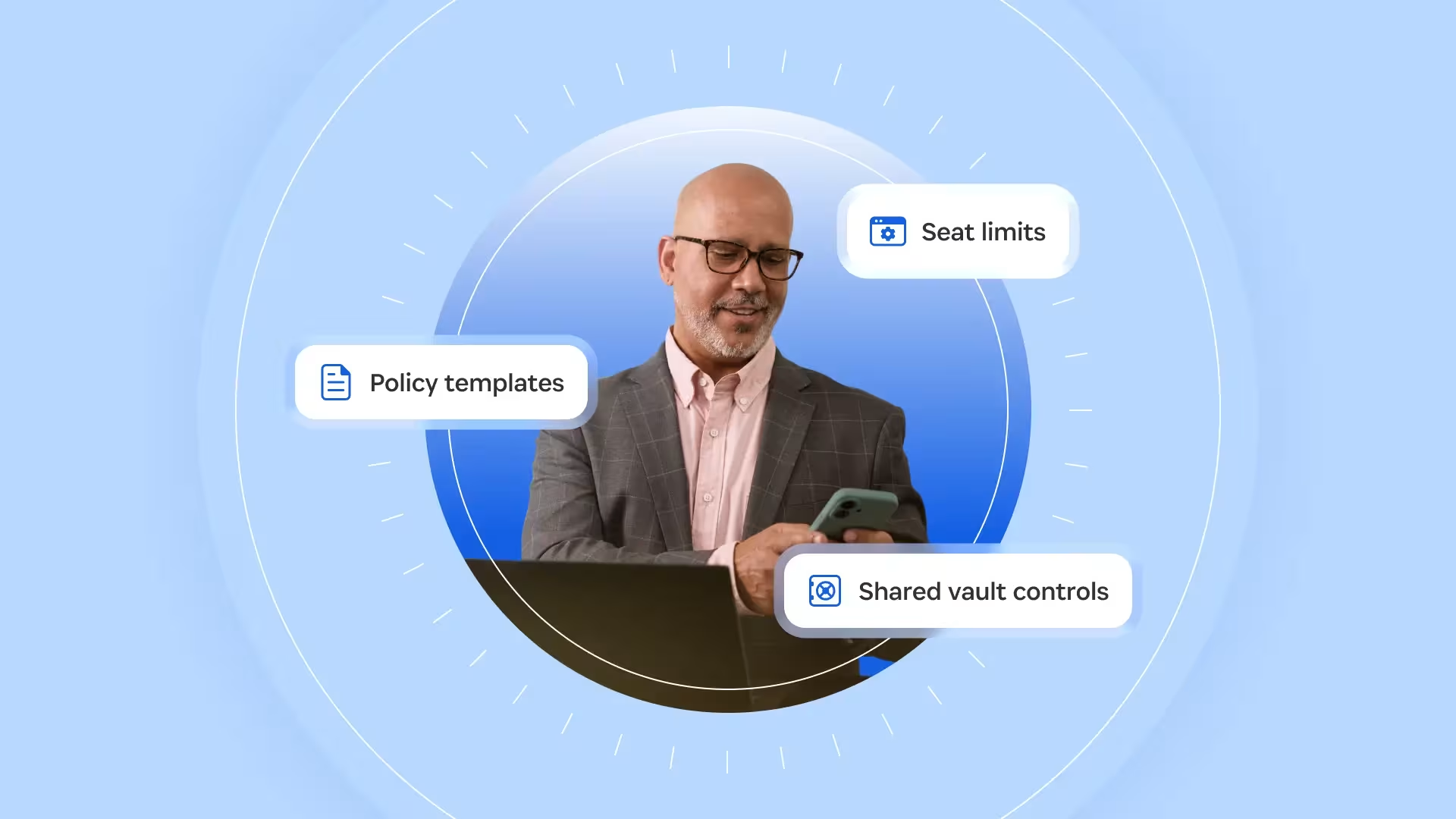
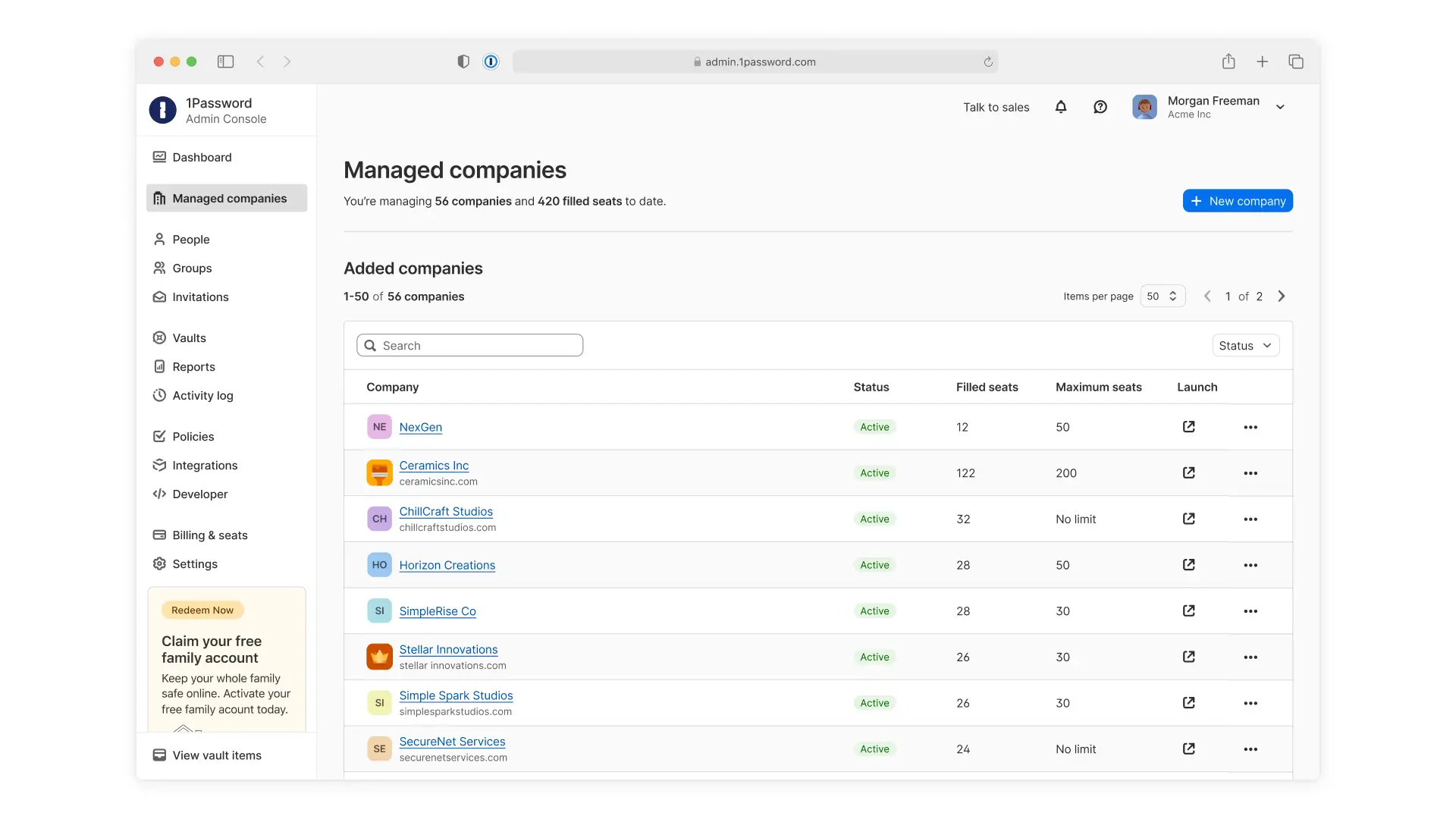
As clients grow, usage can quickly exceed initial expectations or contracted limits. Without clear controls, MSPs may only discover overages after costs have already increased. Seat Limits for managed companies allow MSPs to set and enforce a maximum number of users or guests that can be given licenses. With Seat Limits, MSP teams can:
Align client usage with contracted agreements
Prevent unplanned overages
Maintain predictable margin and cost structures
Proactively plan for growth discussions as client usage increases
Control access without slowing down support
Supporting clients requires access to their environments, but that access shouldn’t be broadly granted. Granular Vault Permissions within managed companies give MSPs and their clients precise control over who can access shared vaults. Managed companies can choose to give MSP technicians no default access and only assign access to specific vaults or assign access by role to support least-privilege access.
With granular, role-based vault permissions, MSPs can work with their managed companies to:
Limit shared vault access to only the technicians who need it
Assign access based on roles or specific users
Maintain least-privilege access across client environments
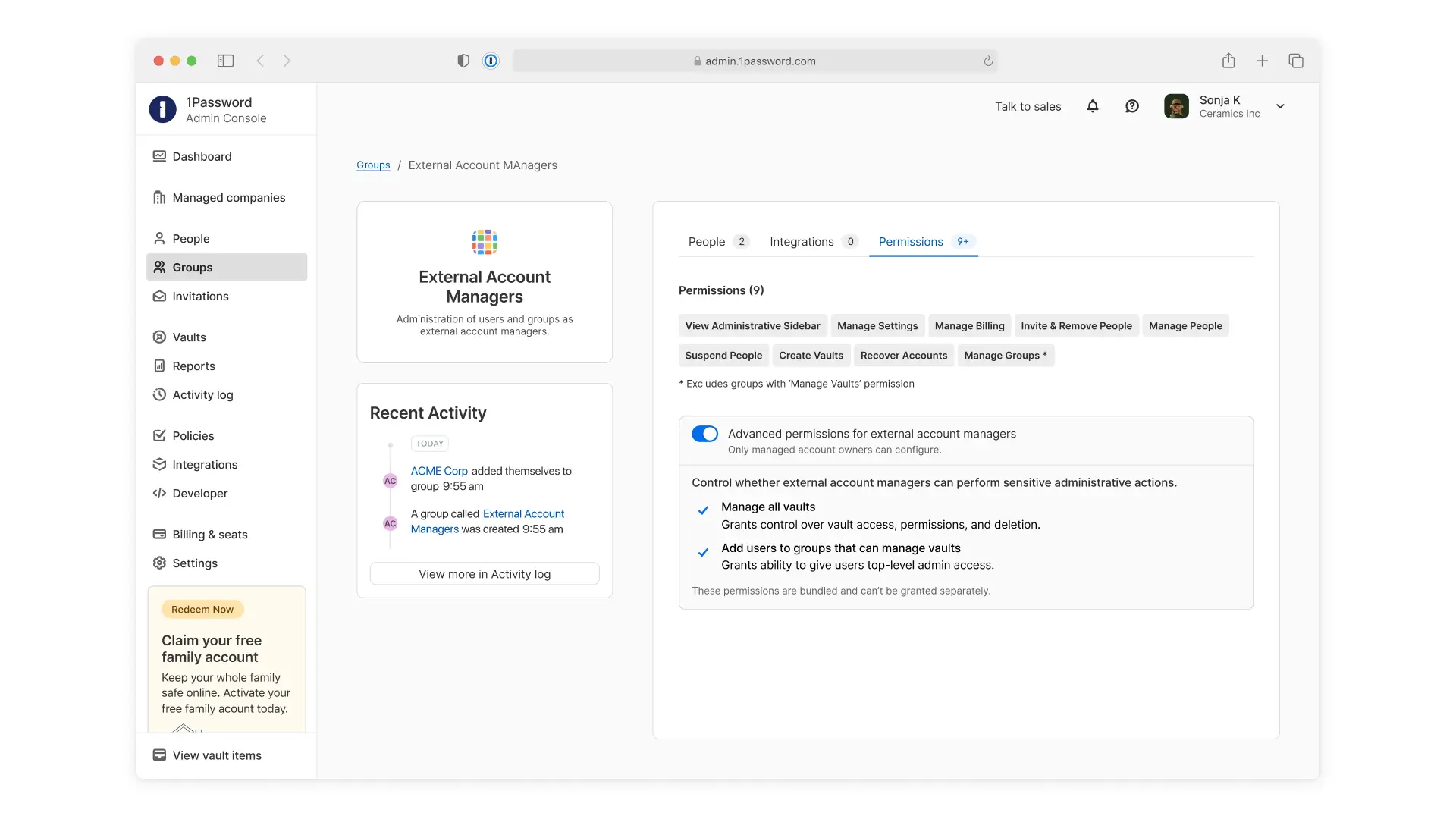
This ensures technicians only access what’s needed to support clients while reducing unnecessary exposure. It also helps MSPs and their clients maintain stronger control over sensitive data sharing.
Built for how MSPs manage client environments
These capabilities are built for how MSPs manage client environments, from onboarding new clients to enforcing policies, managing user growth, and controlling access to client data. By reducing repetitive work and improving control, MSPs can onboard clients more efficiently and maintain consistency across every client environment.
These features are now available in 1Password Enterprise Password Manager – MSP Edition. Existing customers can start using these new capabilities through the MSP console. New MSPs can start a free 14-day trial to explore these capabilities in 1Password today.