Import, autofill, organize: What's new in 1Password this quarter

by Evan Sandhu
May 5, 2026 - 3 min
Related Categories
A password manager should make everyday tasks feel simple.
Whether that's:
Saving a new password
Signing in on your phone
Finding the right item
Moving your data from another password manager
We’ve made a set of updates across 1Password in our latest release to improve exactly these moments. Let's get into it!
A direct way to move your credentials into 1Password
Switching password managers hasn’t always felt straightforward. Exporting sensitive data into files, moving them yourself, and importing them again adds friction and risk.
We’re improving that with a direct credential transfer.
This work is part of the Credential Exchange Protocol (CXP), an industry effort to make credential migration more secure and interoperable. We helped author the FIDO Alliance’s Credential Exchange Format (CXF), a proposed standard that defines how credentials like passwords, passkeys, and other sensitive data can be structured and transferred safely between providers.
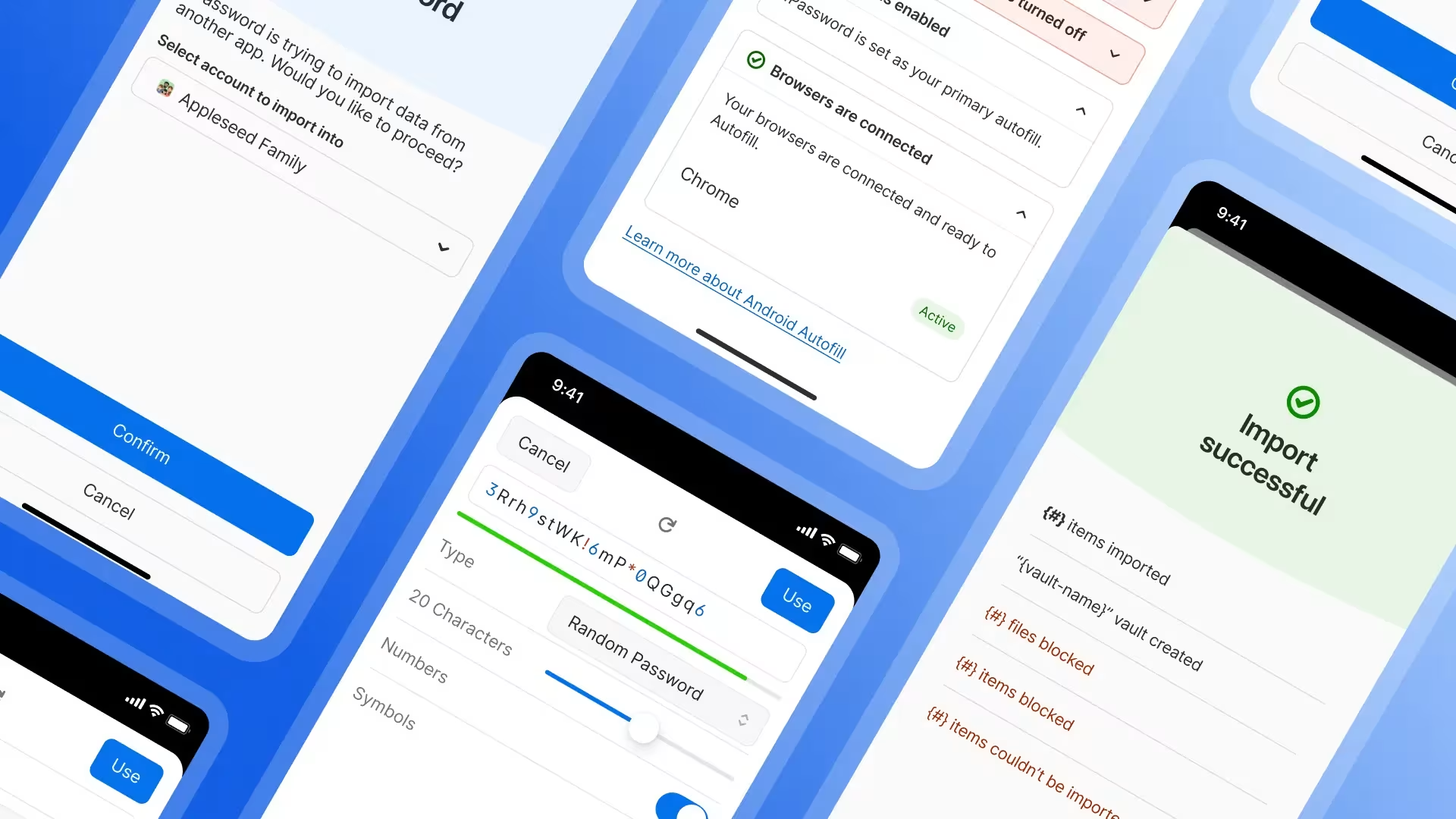
For you, this means a simpler experience on both iOS and Android, letting you move your credentials into 1Password without relying on manual export and import, and eliminating the need to handle sensitive files yourself.
Get your Autofill setup working smoothly on Android
Currently, Autofill on Android depends on several system settings, and when something isn’t configured correctly, it’s not always clear what the problem is or how to fix it.
So we’ve made this easier. 1Password now brings those settings into one place and checks them for you. You can see at a glance if something isn’t set up correctly, like Autofill not being enabled, the wrong service selected, or a required permission turned off. For each issue, 1Password explains what’s wrong and takes you directly to the right Android setting so you can fix it. You can also see a simple summary of your setup, so you know whether everything is working as expected or if something needs attention.
All of this can be found on the home screen of 1Password by navigating to Help > Autofill health check.
Instead of digging through menus or guessing what’s broken, you get clear, step-by-step guidance to get Autofill working again.
Smarter login item creation from the start
We’ve improved how new login items are created in 1Password. When you add a login, you can now search for the service you’re saving and 1Password will automatically fill in key details like the correct name, website, and icon.
For example, instead of saving a login as “login” or a long URL, it can be saved as “Instagram,” with the right website and icon already in place. You can still edit anything before saving. But now it takes less work to create a clean, complete item from the start.
That means your vault is easier to scan, easier to search, and easier to use over time.
Updates built with usability at the core
At 1Password, we spend a lot of time thinking about how it feels to use our products, from the big features to the small moments.
When our users tell us that we’re a reliable and easy part of their lives, that’s a huge win for us.
So let us know what you think about these updates on X, Instagram, and Reddit, and stay tuned for our next set of updates in the next one.